Template details
Hugo Arogya Theme
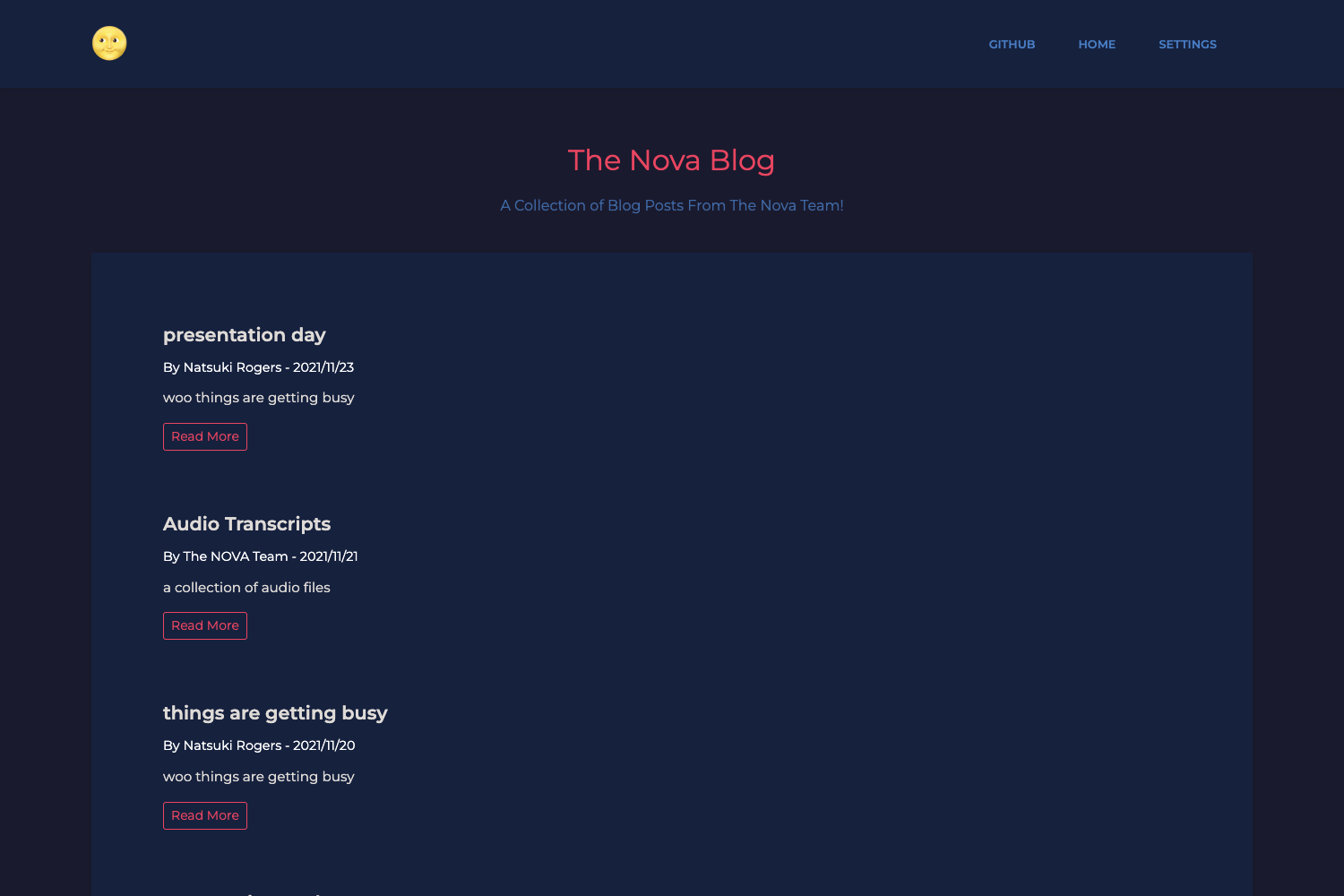
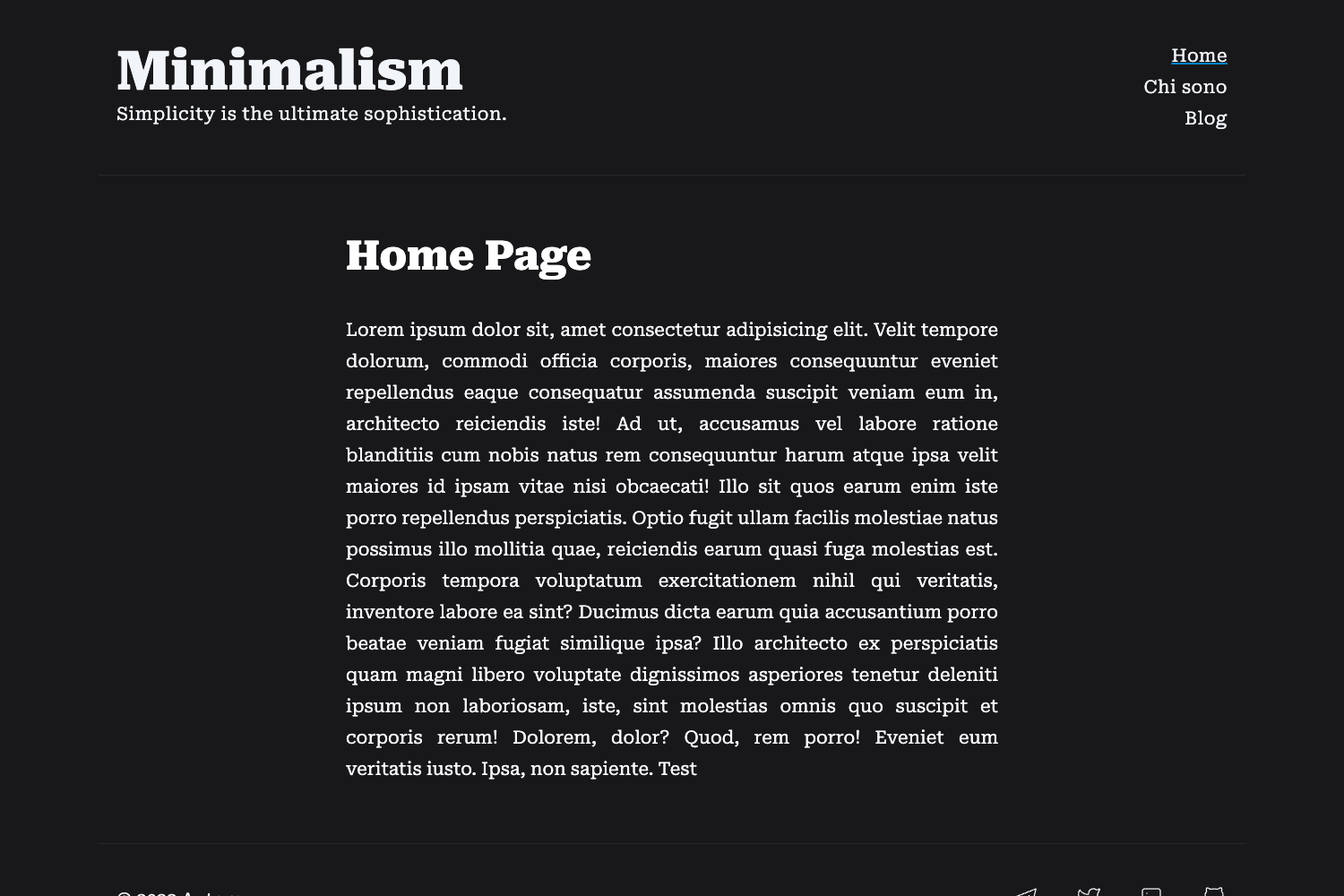
Hugo Arogya Theme is a blogging site theme for Hugo with multilingual support, contact form, Google Analytics, and Bootstrap 3 responsive design.
About this template
Hugo Arogya Theme is a free Hugo blog theme for building multilingual static blogs, with a Bootstrap 3 responsive layout and built-in support for Google Analytics and a contact form with email delivery via SMTPJS.
What is Hugo Arogya Theme?
Hugo Arogya Theme is a blogging site theme built for the Hugo static site generator. It takes Hugo content files and configuration and produces a responsive static website with blog layouts, a working contact form, and Google Analytics integration. The theme is authored by ameio (Twitter: meet2ameio) and is tested with Hugo version 0.83.0, as shown in the repository badge.
Key Features
- Multilanguage support — Write and publish blog content in multiple languages without additional language-specific configurations.
- Google Analytics integration — Plug in your Analytics tracking ID through the site configuration to start collecting visitor metrics.
- Contact form with email — A contact form backed by SMTPJS; create an SMTP account, generate a secure token at smtpjs.com, and fill in the fromMail and bccMail addresses in config.toml to receive messages.
- Responsive layout — The theme adapts to mobile, tablet, and desktop viewports out of the box.
- Atomic Layout design — The template's layout system follows Atomic Design principles for organized UI components.
- Image processing — Hugo's built-in image processing is supported, letting you resize and transform images via shortcodes.
- Bootstrap 3 — Styling is built on Bootstrap 3, giving you the familiar grid system and components.
Who is it for?
- Developers building a personal blog — Set up a lightweight, static blog with Hugo, using the example site to get started quickly.
- Multilingual content creators — Publish posts in several languages using the theme's built-in i18n support.
- Freelance web designers — Deploy a client blog that includes a contact form and analytics without paying recurring costs, since the theme is fully free to modify and reuse.
- Hugo users who want a ready-made example — Clone the repo and run
hugo server -D --themesDir "../.."from the examplesite folder to preview the theme locally.
What can you do with Hugo Arogya Theme?
- Start a blog quickly — Use Method-1 from the README: clone the repo, open the examplesite directory, and run
hugo server -D --themesDir "../.."to see the theme running locally on your machine. - Integrate the theme into an existing Hugo project — Follow Method-2: copy the contents of the examplesite folder into your project root, set the theme name in config.toml, and run
hugo server -D. - Enable the contact form — Create an SMTP account at smtpjs.com, generate a token, and set the token, fromMail, and bccMail values in config.toml so the form sends emails to your inbox.
How does it work?
The theme runs on Hugo's static site engine. You provide Markdown content and a config.toml file; Hugo builds the site, and the theme renders the HTML. For the contact form, the theme uses SMTPJS: you generate a token on smtpjs.com, paste it into config.toml along with the fromMail and bccMail email addresses, and the form sends messages through the SMTPJS service. For local development, the README documents two setup methods: running the included examplesite directly, or copying the example content into your own Hugo project and setting the theme name in config.toml.
FAQ
Is Hugo Arogya Theme free?
Yes. The README states "You are free to modify, save, share, use or do whatever you want with it," meaning you can use the theme in personal or commercial projects without payment.
What Hugo version is required?
The badge in the README indicates the current Hugo version is 0.83.0, and the theme is tested against that release. You should use a modern Hugo version to ensure the theme's features, including image processing, work correctly.
How do I set up the contact form?
Create SMTP details at smtpjs.com, generate a secure token on that site, then set the token, fromMail, and bccMail values in your config.toml file. The theme's contact form will then send messages to the email address you configure.
Can I use this theme for a multilingual site?
Yes. Multilanguage support is listed as a built-in feature, so you can create content in multiple languages without additional language-specific configuration.
Does the theme support Google Analytics?
Yes, Google Analytics support is included. You configure your Analytics tracking ID in the site's config.toml, and the theme will add the tracking snippet to your generated pages.