Template details
Jekyll Asset Pipeline
Asset pipeline for Jekyll that collects, converts and compresses JavaScript and CSS assets.
About this template
Jekyll Asset Pipeline is an open-source Ruby gem that automatically collects, converts, and compresses JavaScript and CSS assets whenever you build a Jekyll site.
What is Jekyll Asset Pipeline?
Jekyll Asset Pipeline is a Ruby gem that plugs into Jekyll's build process to collect raw JavaScript and CSS files, run them through converters and compressors, and output bundled assets with MD5-hashed filenames. It reads asset manifests written as YAML lists inside the css_asset_tag and javascript_asset_tag Liquid tags, and replaces those tags with HTML link and script elements pointing to the generated bundles. The plugin was originally created by Matt Hodan and is distributed via RubyGems as jekyll_asset_pipeline; active development now continues at janosrusiczki's GitHub repository.
Key Features
- Asset manifests — Declare dependencies as YAML arrays inside Liquid tags; assets are bundled in the order listed.
- Preprocessing support — Convert CoffeeScript, Sass/SCSS, Less, Erb, and any other language with a Ruby wrapper by subclassing
JekyllAssetPipeline::Converter. - Compression support — Minify CSS and JS using Yahoo's YUI Compressor or Google's Closure Compiler through custom compressor classes.
- MD5 fingerprinting — Bundled files are saved with an MD5 hash in the filename, enabling long-term browser caching.
- Automatic HTML tag generation — Outputs
linkandscripttags that reference the generated bundles, with an option to override via custom templates. - Successive preprocessing — Chain processors by nesting extensions, e.g.
.css.scss.erbruns ERB before SCSS. - Configuration via
_config.yml— Control bundling, compression, output path, display path, and gzip output. - Octopress compatibility — Works with Octopress when the plugin file is placed in the
pluginsfolder.
Who is it for?
- Jekyll site developers who want to reduce the number of HTTP requests and improve caching by bundling and fingerprinting their CSS and JavaScript.
- Front-end developers writing assets in CoffeeScript, Sass, or Less who need automatic conversion to plain CSS/JS during the Jekyll build.
- Octopress bloggers who want asset pipeline functionality inside the Octopress framework with minimal setup changes.
- Performance-focused site owners who want gzipped asset versions and compressed output to speed up page loads.
What can you do with it?
- Bundle CSS and JS: Group all of a page's stylesheets and scripts into one file per type, referenced by a single
linkorscripttag. - Preprocess modern asset languages: Write in CoffeeScript or Sass and have the pipeline emit browser-ready JavaScript and CSS.
- Cut file size with compressors: Apply YUI Compressor or Closure Compiler to reduce the size of delivered assets.
- Customize generated HTML: Override the default tag templates to add attributes like
media="screen"to CSS links.
How does it work?
- Jekyll Asset Pipeline scans your site's markup for
css_asset_tagandjavascript_asset_tagLiquid tags. - It collects the raw assets listed in each tag's YAML manifest.
- It runs the assets through any registered converters (e.g. CoffeeScript to JavaScript) and combines them into a single bundle.
- If compression is enabled, it runs the bundle through a compressor and saves the result to the
_siteoutput folder. - It replaces the Liquid tags with HTML
linkorscripttags that point to the generated bundle files.
Configuration
The plugin reads an asset_pipeline block from _config.yml. Supported settings are bundle (default true), compress (default true), output_path (default assets), display_path (default nil), and gzip (default false). Setting bundle or compress to false is useful during debugging because assets are stored individually and left unminified.
Alternatives
- Jekyll Asset Bundler — An earlier asset pipeline for Jekyll created by Moshen, notable for allowing remote assets to be included in bundles, a feature Jekyll Asset Pipeline does not provide.
FAQ
Is Jekyll Asset Pipeline free?
Yes. It is released under the MIT License and is available as an open-source Ruby gem.
How do I install Jekyll Asset Pipeline?
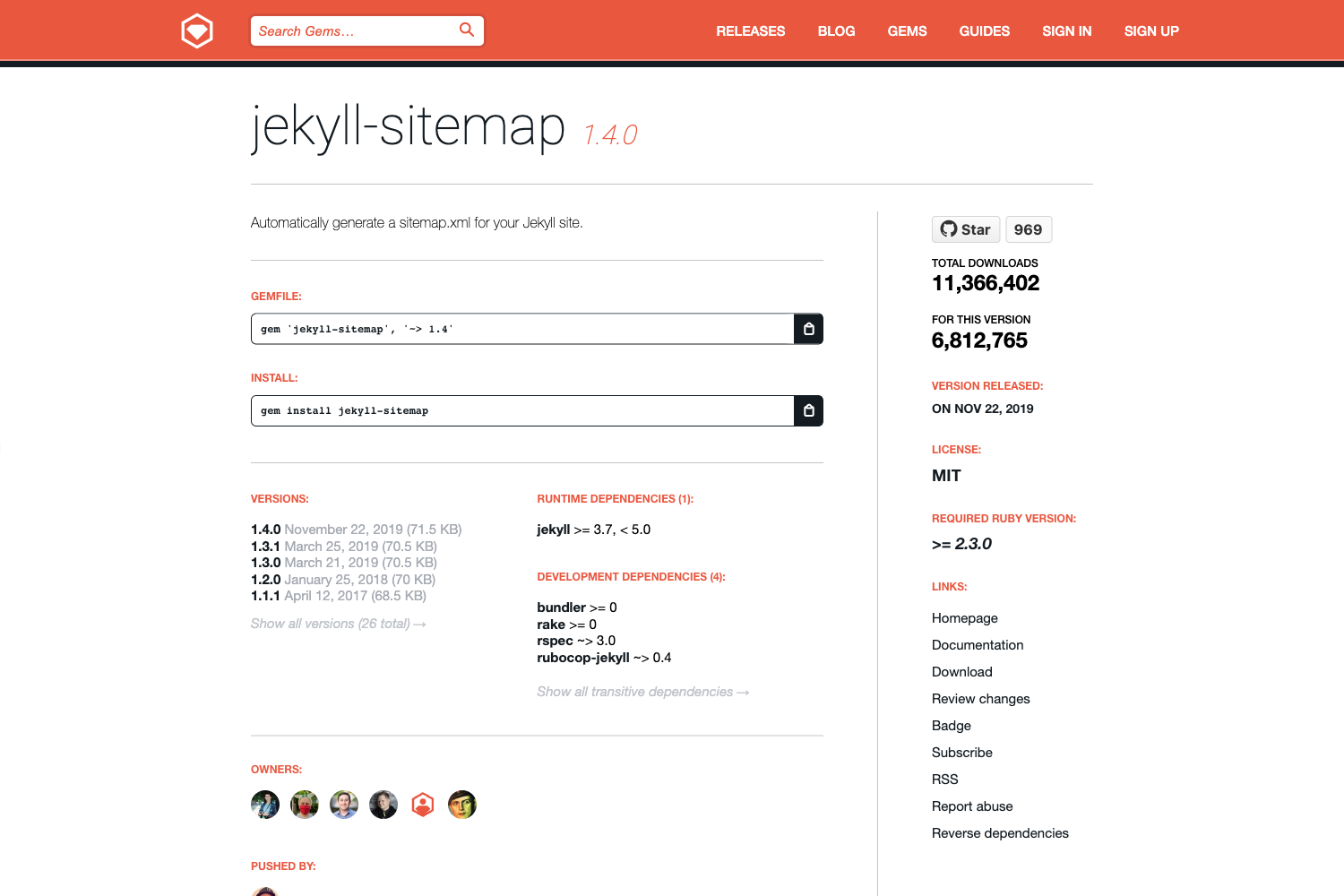
Run gem install jekyll_asset_pipeline. If you use Bundler, add gem 'jekyll_asset_pipeline' to your Gemfile and run bundle install.
What languages can it preprocess?
It supports any language with a Ruby wrapper. The README includes examples for CoffeeScript, Sass/SCSS, and Less, and says Erb works as well. You must define a converter class for each file extension you use.
Does it work with Octopress?
Yes. Add the gem to your Octopress Gemfile, place jekyll_asset_pipeline.rb in the plugins folder, and store assets under source/_assets. Compile with Octopress's rake generate instead of jekyll build.
Why aren't my assets being processed?
Check that Jekyll's safe option is not set to true in _config.yml, because that prevents Jekyll from running plugins.