Template details
Jekyll Sitemap
Jekyll plugin to silently generate a sitemaps.org compliant sitemap for your Jekyll site.
About this template
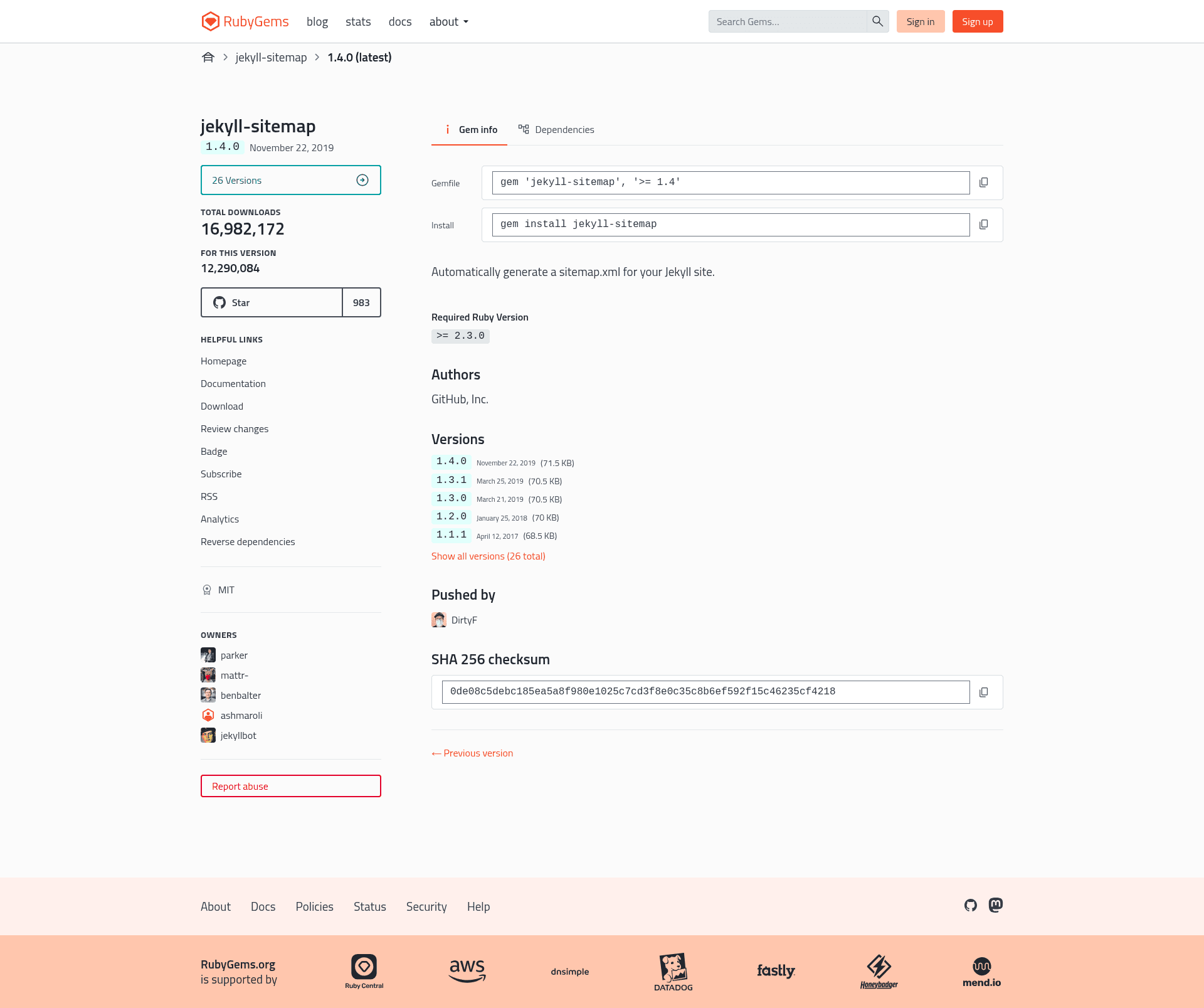
Jekyll Sitemap is an open-source Jekyll plugin that automatically generates a sitemaps.org-compliant sitemap.xml file during the Jekyll build process. It scans your site's pages, posts, and collections and outputs a ready-to-submit sitemap into the _site directory, requiring only a gem installation and a plugin entry in _config.yml.
What is Jekyll Sitemap?
Jekyll Sitemap is a Ruby gem plugin for Jekyll, the static site generator. Its core function is to produce a sitemap.xml file that follows the sitemaps.org protocol, which search engines use to discover and index URLs. The plugin runs automatically when Jekyll builds your site, and it takes as input the site's existing pages, posts, and collections. The output is a single sitemap.xml in the _site folder. The project is maintained under the official jekyll GitHub organization.
Key Features
- sitemaps.org compliance — The generated sitemap.xml signals protocol compliance, making it directly usable for search engine submission.
- Silent automatic generation — Once configured, sitemap.xml is produced with every build without manual intervention or additional scripts.
- Ordered lastmod resolution — The tag uses, in priority: the filesystem modified date if the jekyll-last-modified-at plugin is installed, then a last_modified_at front matter variable, then the post's date.
- Front matter exclusion — Add sitemap: false to any page or post's front matter to keep it out of the sitemap.
- Glob-based exclusion — Use _config.yml defaults with path globs like assets/**/*.pdf to exclude file groups; requires Jekyll v3.7.2 and jekyll-sitemap v1.2.0 or newer.
- Plugin ordering control — Require jekyll-sitemap after other content-generating plugins to include their output in the sitemap, or before to exclude it.
- GitHub Pages compatibility — Listed in the plugins array of _config.yml, it works despite the GitHub Pages gem ignoring Gemfile plugins.
Who is it for?
- Jekyll site owners — Want an SEO-ready sitemap without hand-writing XML; install the gem and add one line to _config.yml.
- Bloggers using GitHub Pages — Need a sitemap that updates with every post while working within GitHub Pages' plugin restrictions.
- Jekyll theme developers — Can include this plugin in their theme's dependencies to give users a working sitemap out of the box.
What can you do with Jekyll Sitemap?
- SEO practitioners — Generate a standards-compliant sitemap that lists all public URLs, helping search engines crawl the entire site.
- Developers managing multiple plugins — Control whether content generated by other Jekyll plugins appears in the sitemap by adjusting the order in which gems are required.
- Site maintainers — Exclude private or draft pages via front matter, and exclude groups of files (e.g., PDFs in assets) using glob defaults in _config.yml.
How does Jekyll Sitemap work?
To install, add gem 'jekyll-sitemap' to your Gemfile and run bundle. Then in _config.yml, set your site's url and add jekyll-sitemap to the plugins list (use the gems key instead of plugins for Jekyll versions below 3.5.0). When you build the site, the plugin injects the sitemap into site.pages and Jekyll writes sitemap.xml to _site. If it doesn't appear, ensure safe: true is not set and no competing sitemap plugin is in the _plugin folder.
FAQ
Does Jekyll Sitemap work with GitHub Pages?
Yes, but only if the plugin is listed in the plugins array in _config.yml. The GitHub Pages gem ignores all plugins in the Gemfile, so putting jekyll-sitemap only in the Gemfile will not generate a sitemap. Following the full setup instructions in the README ensures it works.
How do I exclude a page or post from the sitemap?
Set sitemap: false in the front matter of that page or post. For excluding multiple files, define a defaults entry in _config.yml with a path glob, such as assets/**/*.pdf, and set values sitemap: false. This glob method requires Jekyll v3.7.2+ and jekyll-sitemap v1.2.0+.
What determines the lastmod tag value?
The plugin picks the filesystem modified date if the jekyll-last-modified-at plugin is installed (not compatible with GitHub Pages auto building), otherwise it uses a personalized last_modified_at date in front matter, and finally the post creation date stored in post.date. This priority ensures fresh timestamps when available.
Why isn't sitemap.xml appearing in my _site folder?
Two known issues cause this: having safe: true in _config.yml, which disables all plugins, or having another sitemap generator plugin in the _plugin folder. Removing either and rebuilding should fix generation.
What Jekyll versions are supported?
The plugin works with modern Jekyll versions; for Jekyll older than 3.5.0, use the gems key instead of plugins in _config.yml. The glob-based exclusion feature specifically requires Jekyll v3.7.2 or newer along with jekyll-sitemap v1.2.0 or newer.