Template details
Jekyll Theme Paper
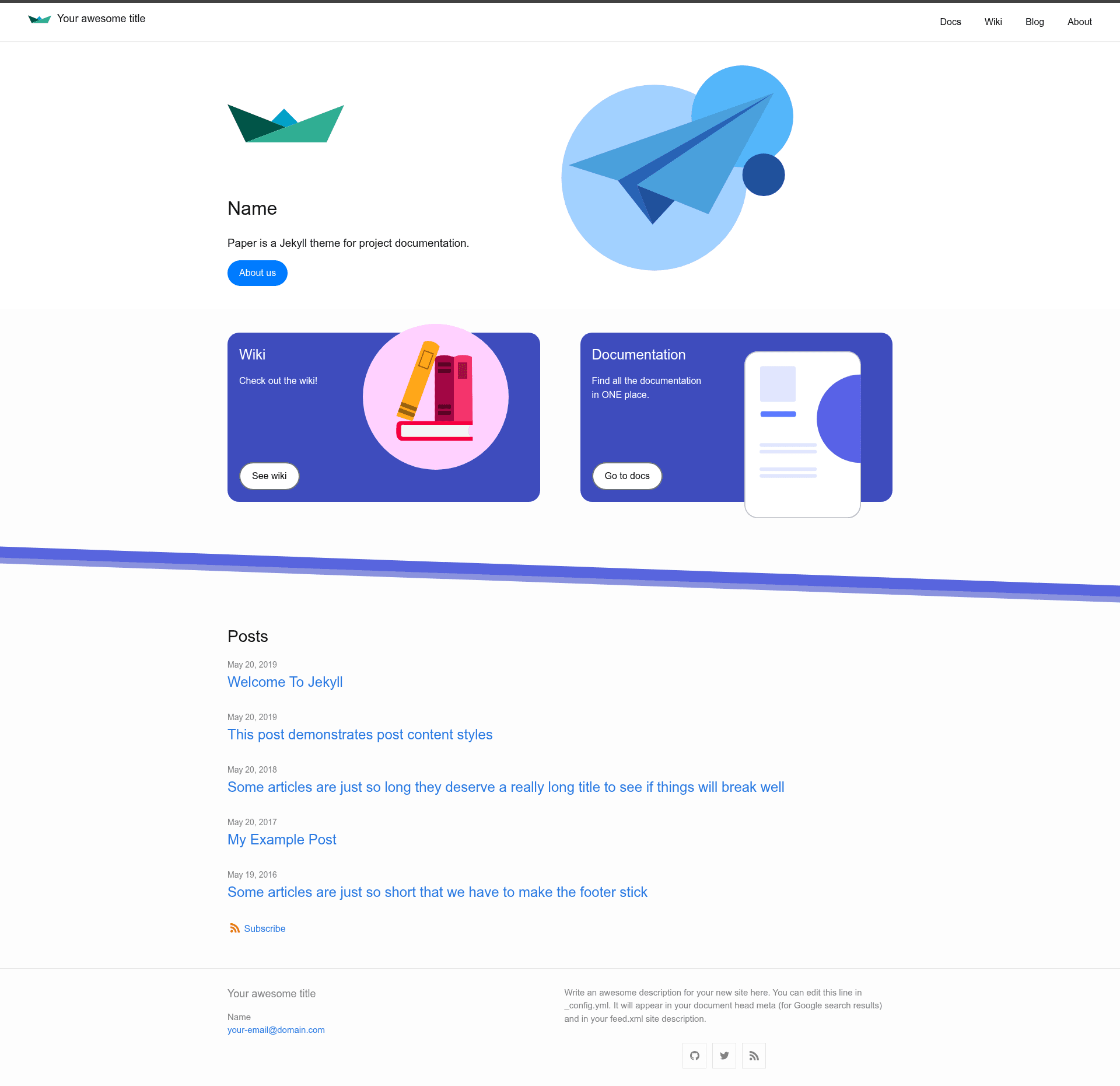
Paper is a Jekyll theme for project documentation, based on the standard Minima theme.
About this template
Paper is a Jekyll theme for project documentation, built on top of the standard Minima theme. It turns Markdown files organized in a docs folder into a static documentation site with dedicated layouts, a sidebar, breadcrumbs, and a table of contents, and it is distributed as the Ruby gem jekyll-theme-paper.
What is Jekyll Theme Paper?
Paper is a Jekyll theme specifically designed for hosting project documentation. It takes Markdown documentation files organized in a docs folder and generates a static site with documentation layouts, a sidebar for navigation, breadcrumbs, and a table of contents. The theme runs on Jekyll, works with GitHub Pages, and is maintained by andstor on GitHub.
Key Features
- Multiple layouts — includes
default,default-wide,home,doc,page, andpostlayouts, each serving a specific page type (landing page, documentation page, regular page, blog post). - Documentation-oriented includes — provides
sidebar.htmlfor docs navigation,toc.htmlfor a table of contents,breadcrumbs.htmlfor path links, andheader.htmlfor the main site header. - Bundled plugins — ships with
jekyll-feed,jekyll-seo-tag,jekyll-optional-front-matter, andjemojipreinstalled. - Project data support — lets you define project types and projects via
_data/types.ymland_data/projects.yml, with per-project front matter defaults configured in_config.yml. - Wiki support — define a
wikitype in the data files and the theme treats it separately from documentation pages. - Social media links — renders icons via the
minima:social_linksconfig option, supporting Twitter, GitHub, LinkedIn, Instagram, Mastodon, YouTube, and more. - Comments and analytics — optional Disqus comments and Google Analytics integration, both enabled only in production environments (
JEKYLL_ENV=production). - Customization options — allows custom navigation via
header_pages, custom date formats viaminima.date_format, and shows post excerpts withshow_excerpts: true.
Who is it for?
- Open-source maintainers who need to publish API docs or user guides alongside their codebase on GitHub Pages.
- Technical writers who want a lightweight Jekyll setup that organizes multiple projects under one documentation site.
- Jekyll users who already know Minima and want a documentation-focused extension without learning a new static site generator.
What can you do with Paper?
- Publish multi-project documentation: create a
docsfolder with one subfolder per project, add anindex.htmlfor each withlayout: docandrepofront matter, and the theme builds a landing page for each project. - Set up a documentation wiki: define a wiki type in
_data/types.ymland add a wiki entry in_data/projects.ymlto get a wiki landing page that is excluded from the docs listing. - Customize the site header: use the
header_pagesconfig variable to choose exactly which pages appear in the navigation and in what order.
How does Paper work?
Install the gem by adding gem "jekyll-theme-paper" to the Gemfile, run bundle, and set theme: jekyll-theme-paper in _config.yml. Then create the docs directory structure with project folders, define project metadata in _data/projects.yml, and run bundle exec jekyll serve to view the site locally at http://localhost:4000.
Pricing
Paper is open source and released under the MIT License, so it is free to use and modify.
Alternatives
- Just the Docs — a Jekyll theme focused specifically on documentation sites with built-in navigation and search, which can be a good fit if you do not need the multi-project data layer that Paper provides.
FAQ
Is Paper free to use?
Yes, Paper is released under the MIT License, so it can be used freely in personal and commercial projects. No license fees or account requirements are mentioned in the repository.
How do I install Paper?
Add gem "jekyll-theme-paper" to your Jekyll site's Gemfile, run bundle install, and then set theme: jekyll-theme-paper in your _config.yml file. After that, you can run bundle exec jekyll serve to start a local server.
Does Paper support comments?
Yes, Paper supports Disqus comments. Add disqus: shortname: your_shortname to _config.yml, and make sure url is set. Comments appear only in production builds (JEKYLL_ENV=production) and can be disabled per post with comments: false in the post's front matter.
Which Jekyll plugins are bundled with Paper?
Paper comes with jekyll-feed, jekyll-seo-tag, jekyll-optional-front-matter, and jemoji. The jekyll-seo-tag plugin adds meta tags for search engines, and jekyll-feed generates an RSS feed.
How do I set up documentation for multiple projects?
Create a docs folder with a subfolder per project. In each project subfolder, create an index.html with front matter that sets layout to doc and repo to the project name. Then define project data in _data/projects.yml and optional type data in _data/types.yml.