Template details
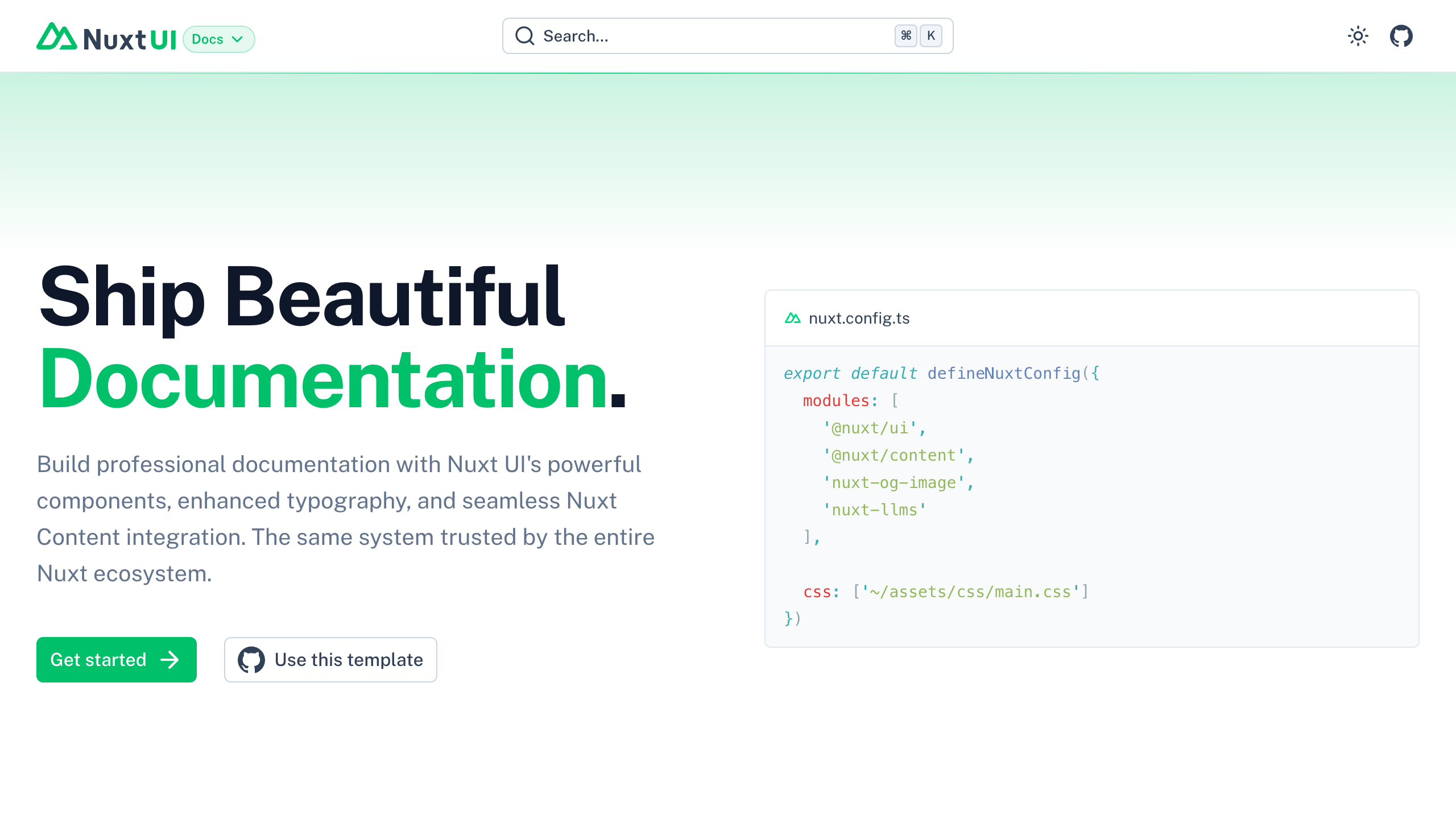
Docus
Write beautiful docs with Markdown and Vue Components.
About this template
Docus is a documentation template for Nuxt that ships a complete docs site from Markdown files, styled with Vue components and Tailwind CSS, plus a CLI to scaffold new projects.
What is Docus?
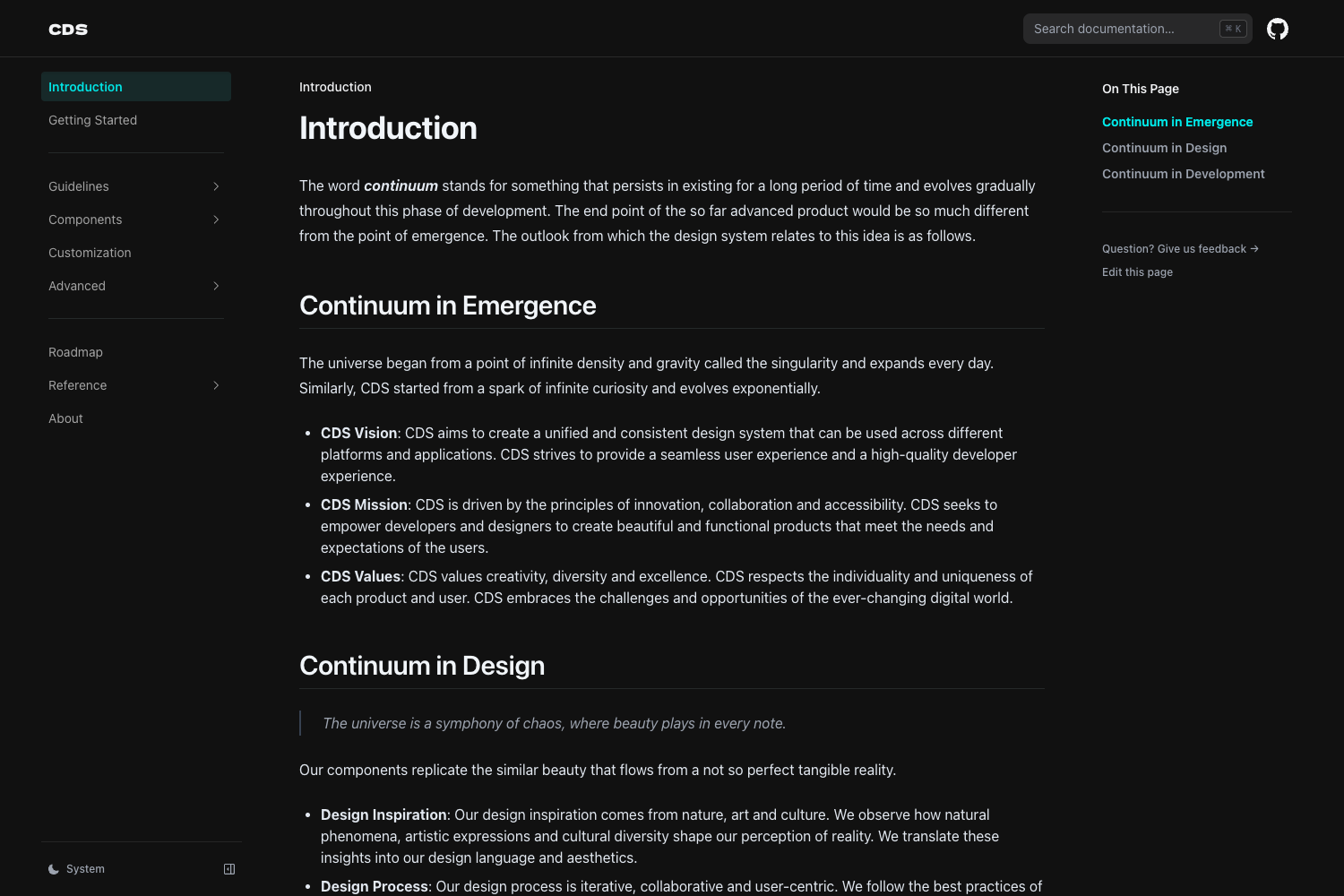
Docus is an open-source documentation theme and CLI (create-docus) built on Nuxt 4, Nuxt Content, and Tailwind CSS 4. It takes Markdown files placed in a content/ directory and generates a responsive, SEO-optimized documentation site with built-in search, dark mode, i18n, and AI features. The project is created and maintained by the Nuxt team (nuxt-content/docus on GitHub) and is published under the MIT license.
What makes Docus stand out?
- AI Assistant — Docus includes a drop-in chat that answers questions from your documentation, cites its sources, and can generate code examples, powered by the Vercel AI SDK.
- Native MCP Server — Every Docus site exposes a Model Context Protocol server at /mcp, so you can install it into Cursor, VS Code, or Claude to query the docs from your editor.
- Internationalization — Native i18n support with 20+ locales for the assistant UI, and a content folder structure that supports separate language directories.
- Search — Client-side search with an optional FTS5 full-text search backend for larger documentation sets.
- Markdown enhanced — Extended Markdown with custom MDC components, letting you mix Vue components directly into your documentation pages.
- LLM-Ready — Automatic generation of llms.txt and llms-full.txt files so AI tools can easily consume the documentation.
- SEO optimized — Sitemap, robots.txt, and Open Graph image generation are configured out of the box.
- Dark mode — Built-in dark/light mode with a 'd' keyboard shortcut to toggle.
Who should use Docus?
- Open source maintainers — set up official project docs quickly by running
npx create-docus my-docsand writing Markdown in the content/ folder. - Technical teams — publish API references, guides, and tutorials with search, i18n, and versioned content; the generated site runs on Nuxt and can be deployed to Vercel with one click.
- AI-forward product teams — embed the assistant chat to answer user questions, and expose the MCP server so users can query the docs from AI editors.
What can you do with Docus?
- Document a project: scaffold
my-docswith the CLI, drop Markdown files intocontent/, and get a themed site athttp://localhost:3000during development. - Ship multi-language docs: use the
-t i18nflag when creating a project to get a structure withcontent/en/andcontent/fr/style directories, letting you maintain translations side by side. - Publish AI agent skills: add a
skills/directory and Docus serves them at/.well-known/skills/, following the Cloudflare Agent Skills Discovery RFC; users install them withnpx skills add https://your-docs-domain.com. - Deploy instantly: click the Deploy with Vercel button from the Docus site to clone the template and create a git repository directly in Vercel.
How does Docus work?
Create a project with npx create-docus my-docs (or add -t i18n for a multi-language starter), then run npm run dev to start the development server at http://localhost:3000. The generated project reads Markdown from content/, renders it through Nuxt Content, and applies the Docus layer which provides the theme, navigation, search, and AI features. For contributors, the repository is a monorepo split into a cli, a layer, docs, and .starters folders.
Pricing
Docus is free and open source under the MIT license. The create-docus CLI is available on npm, and the full source is on GitHub at nuxt-content/docus.
FAQ
How do I create a new Docus project?
Run npx create-docus my-docs from your terminal. This scaffolds a complete documentation project with the default template, or use -t i18n for a multi-language setup. Then cd my-docs and npm run dev to start the local development server.
Does Docus support multi-language documentation?
Yes. Docus has native internationalization support with 20+ locales for the assistant UI. You can scaffold an i18n template with npx create-docus my-docs -t i18n, which creates separate content directories per language, such as content/en/ and content/fr/.
Does Docus include an AI chat assistant?
Yes. Docus ships an AI assistant that answers questions from your documentation, cites its sources, and generates code examples. It's powered by the Vercel AI Gateway and your own MCP server, and you can install the MCP endpoint at /mcp into Cursor, VS Code, or Claude.
Is Docus free?
Yes, Docus is open source under the MIT license. The CLI and theme are free to use, and you can host the generated site anywhere that supports Nuxt, including Vercel, Netlify, or your own server.
Can I customize the Docus theme?
Yes. Beyond the default theme built on Nuxt UI 4 and Tailwind CSS 4, you can add custom components in app/components/, change layouts in app/layouts/, and extend the Nuxt configuration in nuxt.config.ts. The project supports theme variants and custom icons.