Template details
Jekyll Doc Theme
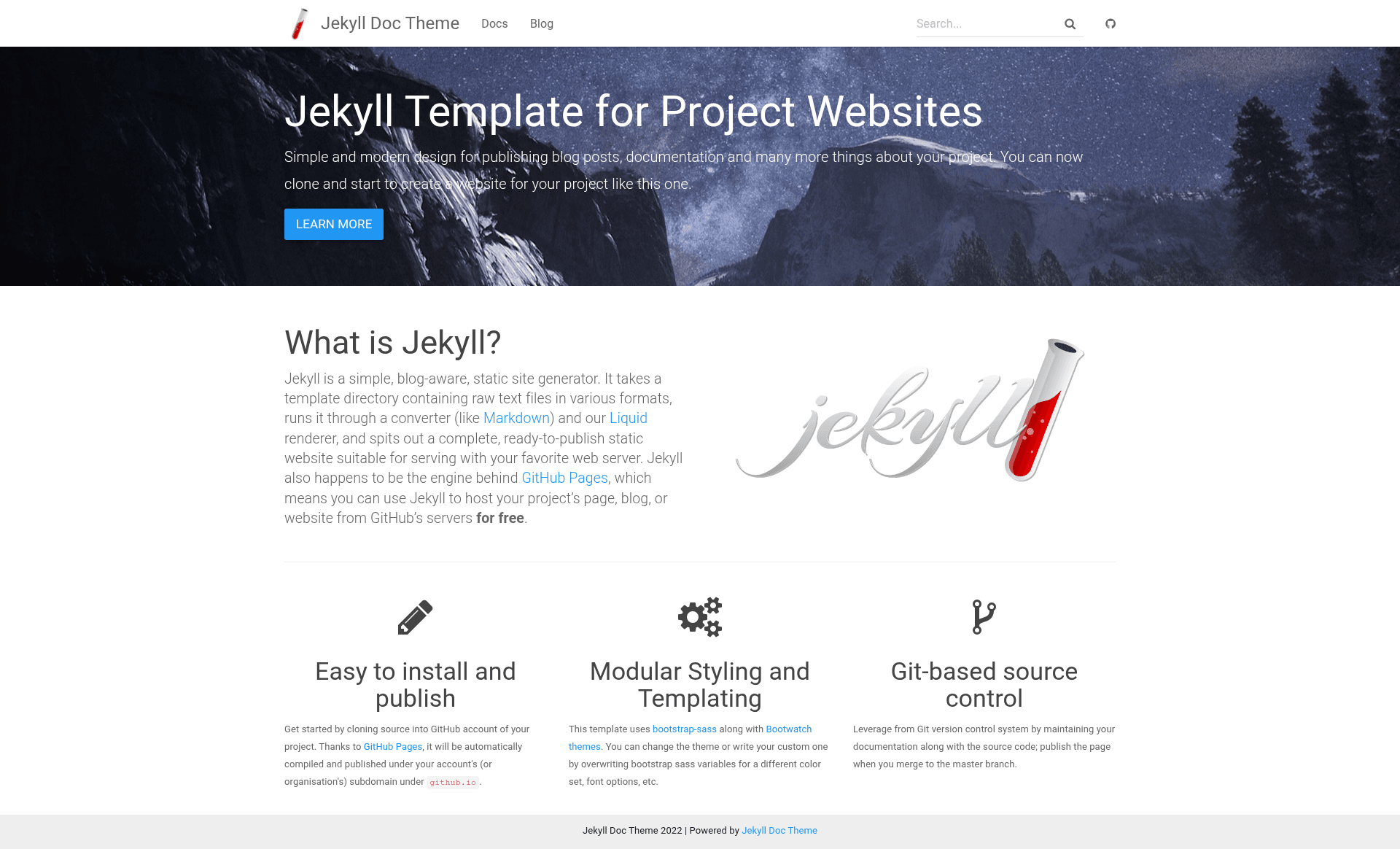
Bootstrap-based Jekyll theme for building project documentation websites with search, syntax highlighting, and GitHub Pages/Docker deployment.
About this template
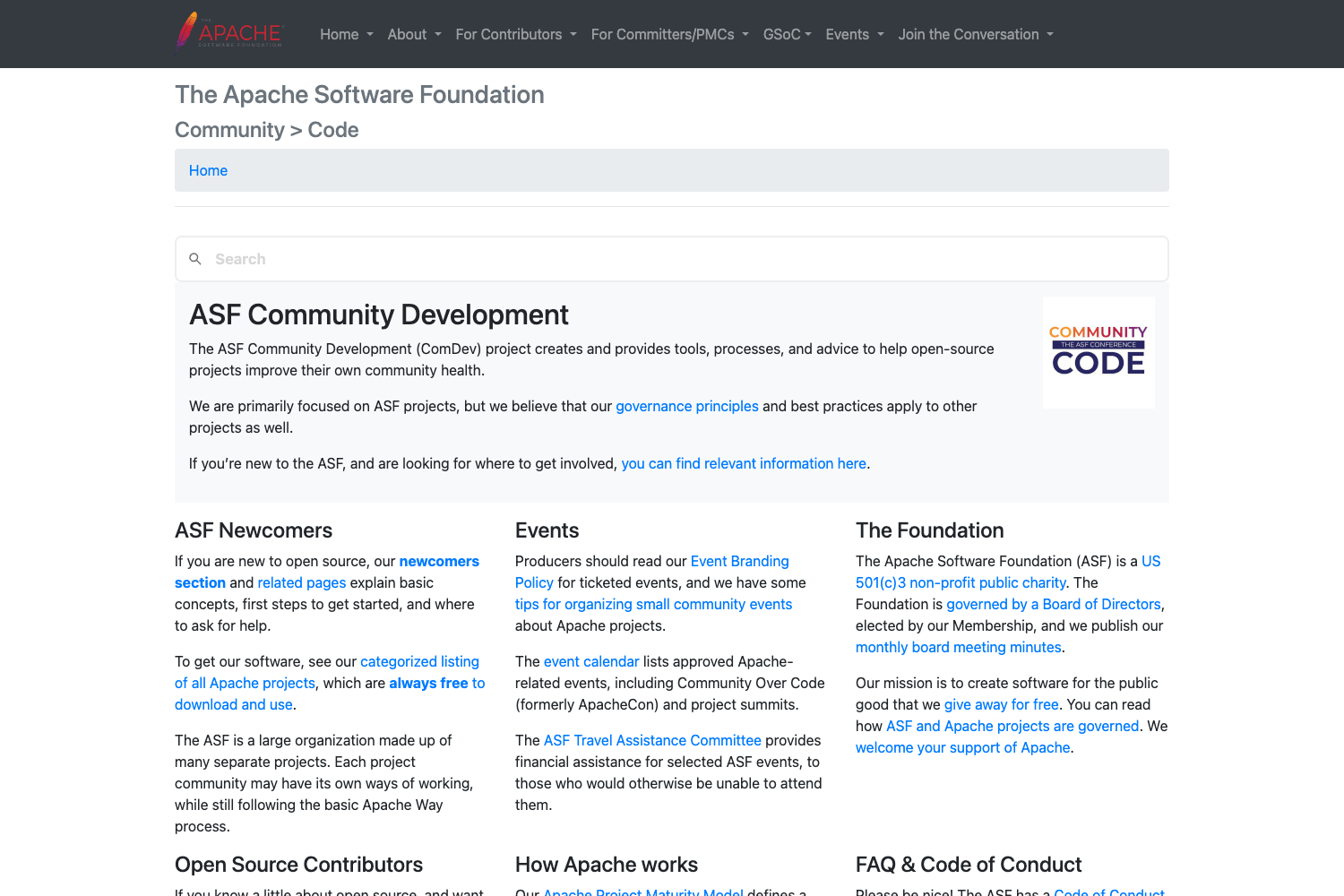
Jekyll Doc Theme is a Bootstrap-based Jekyll theme for building project documentation websites, with built-in search, syntax highlighting, and deployment options for GitHub Pages and Docker.
What is Jekyll Doc Theme?
Jekyll Doc Theme is an open-source Jekyll theme created by GitHub user aksakalli for producing documentation websites. It takes Markdown or HTML content written for Jekyll and outputs a static documentation site styled with Bootstrap, complete with a search index. The theme runs on Jekyll, supports GitHub Pages via the remote_theme plugin, and can be deployed as a Docker container served by Nginx. It is released under the MIT license and has 296 stars on GitHub.
Key Features
- Bootstrap-based styling — The theme uses Bootstrap (with Sass variables) as its CSS foundation, and supports Bootswatch themes for one-line visual changes.
- Client-side search — A search.json index and typeahead are included so visitors can search documentation pages without a server-side database.
- Syntax highlighting — Code blocks are styled with a syntax-highlighting theme built into the Sass pipeline.
- GitHub Pages support — Install via the remote_theme plugin by pointing to aksakalli/jekyll-doc-theme@gh-pages; no build step needed on GitHub.
- Docker deployment — A multi-stage Dockerfile serves the generated site with Nginx for production performance; set JEKYLL_BASEURL as a build argument.
- Customizable Sass — Users can copy asset/css/main.scss into their own project and override variables like grid gutter width and container widths before the import statements.
- Theme asset organization — Assets live under an /asset folder (css, fonts, img, js, 404.html, allposts.html, search.json), and files in your project override theme files of the same name.
- Right-to-left support — The theme has been used for right-to-left language documentation sites (listed among projects using it).
Who is it for?
- Open-source maintainers — Publish documentation for a project on GitHub Pages with search, and customize colors via Sass overrides.
- Technical documentation teams — Set up a docs site quickly using the Bootstrap grid and Bootswatch themes, with the ability to run locally via Jekyll.
- Developers deploying with Docker — Use the provided Dockerfile to build a Nginx-served static docs site behind a custom base URL.
What can you do with it?
- Project documentation: Create a structured docs site with multiple pages, a sidebar navigation, and full-text search for a software library or API.
- Conference or workshop sites: As shown by projects using it, the theme can serve as a simple website for events like ECML PKDD or university courses.
- Knowledge base documentation: Host an internal or public knowledge base on GitHub Pages using the remote_theme plugin, with no local build required.
How does it work?
To run locally, clone the repository, install dependencies with bundle install, and start a development server with bundle exec jekyll serve. For production, build a Docker image with the JEKYLL_BASEURL build arg and run it on port 8080, or configure GitHub Pages with the remote_theme setting and push to a gh-pages branch.
FAQ
Is Jekyll Doc Theme free?
Yes, Jekyll Doc Theme is released under the MIT license, so it is free to use, modify, and distribute for personal or commercial projects.
What does Jekyll Doc Theme do?
It is a Bootstrap-based Jekyll theme that turns Markdown or HTML content into a static documentation website with a search index, syntax-highlighted code blocks, and Bootstrap styling.
How do I use it on GitHub Pages?
Add the remote_theme plugin to your Gemfile and set the remote_theme value to aksakalli/jekyll-doc-theme@gh-pages in your _config.yml. Push the repository to GitHub and the site builds automatically.