Template details
Jekyll Help Center Theme
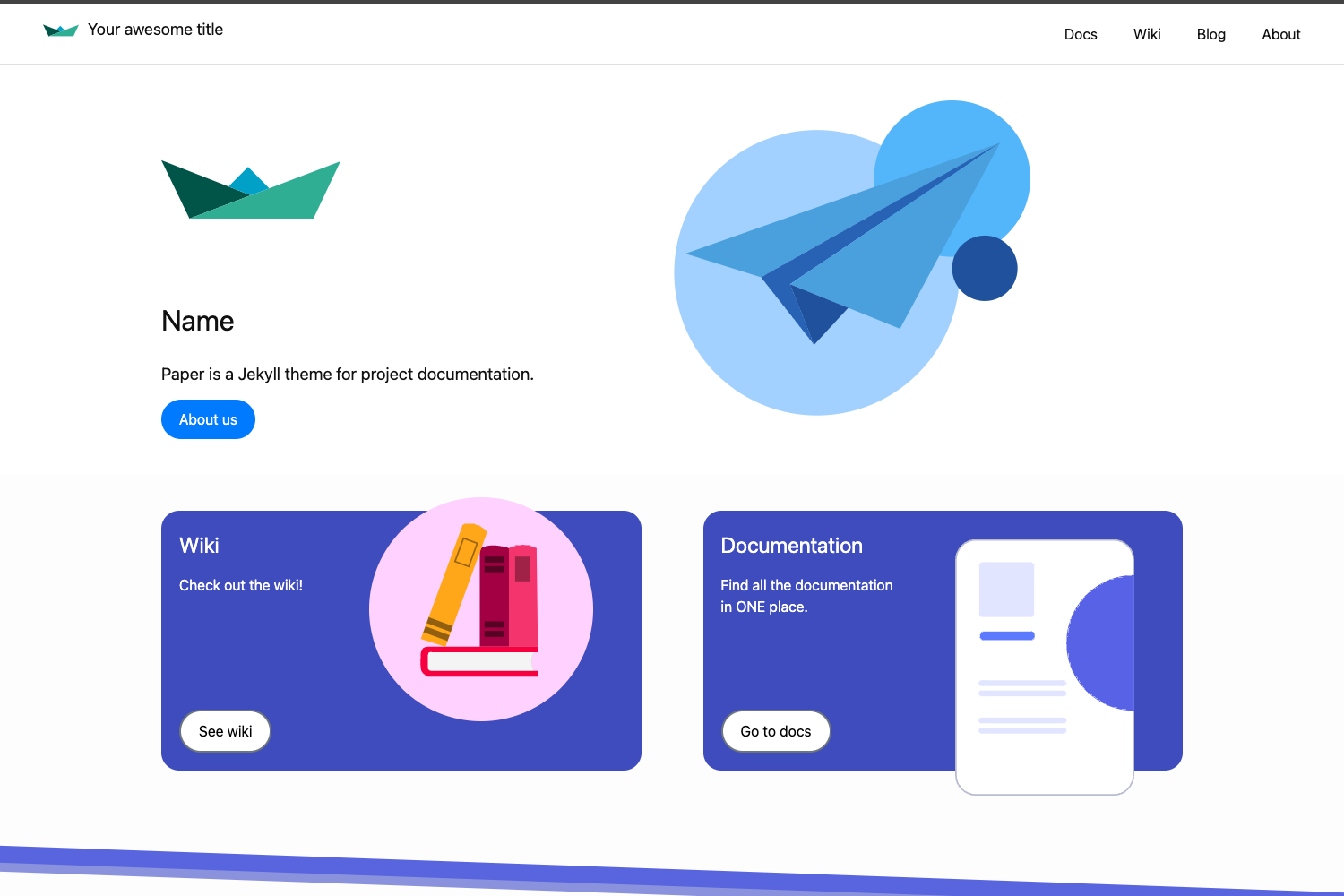
Simple and responsive Jekyll theme for help center.
About this template
Jekyll Help Center Theme is a responsive Jekyll theme for building a help center or support site with categorized articles and FAQ-style question-and-answer content.
What is Jekyll Help Center Theme?
Jekyll Help Center Theme is a static-site theme built on Jekyll that turns Markdown posts into a structured help center. Content is written in YAML front matter and Markdown, and the theme renders it as a responsive web page with a customizable color scheme. The theme is developed by Gustavo Quinalha, distributed on GitHub and RubyGems, and released under the MIT License. The GitHub repository shows 170 stars and includes topics like github-pages, jekyll, and responsive-jekyll-theme.
Key Features
- Responsive design — The theme is explicitly described as responsive, adapting to mobile, tablet, and desktop viewports.
- Configurable brand colors — In
_config.yml, you can setcolor_theme(the primary accent color) andcolor_text(the text color) to match your product's branding. - Question-and-answer posts — Each Markdown post can include a
questionslist in YAML front matter, where every item has aquestion, ananswer, and an optionalimagefield for screenshots or illustrations. - Category grouping — Posts use the front matter
categories(e.g.,start blog) to organize related help articles. - Author and icon metadata — Individual posts can declare a
byauthor name and aniconidentifier (e.g.,credit-card) to visually label the article. - GitHub Pages ready — Since it is a Jekyll theme, you can deploy the generated static site to GitHub Pages without a separate server.
- RubyGem installation — The theme is published as
jekyll-help-center-themeon RubyGems, so it can be installed withgem install jekyll-help-center-themeor referenced in a Gemfile. - Live-reload local development — The README documents running
bundle exec jekyll serve --livereload --watchfor a local development server with live reload.
Who is it for?
- Product and support teams — They can maintain a public help center by writing Markdown articles with YAML front matter that defines a list of common questions and answers.
- SaaS startups — They can host a lightweight, free help center on GitHub Pages while keeping content versioned in a Git repository.
- Open-source projects — Maintainers can provide user documentation and troubleshooting guides in a structured Q&A format without building a custom HTML site.
What can you do with Jekyll Help Center Theme?
- Publish a help center with articles that each contain multiple Q&A pairs, using the
questionsfront matter structure and optional images. - Brand the interface by editing two color variables (
color_themeandcolor_text) in_config.ymlto align with your product identity. - Organize articles by category through front matter
categories, so users can browse help content by topic. - Deploy quickly by cloning the GitHub repository or installing the gem, then running a standard Jekyll serve command.
How does Jekyll Help Center Theme work?
To get started, clone the repository from GitHub or install the RubyGem, then run bundle exec jekyll serve --livereload --watch. The development server serves the site at localhost:4000/jekyll-help-center-theme/. Content is added as Jekyll posts that include YAML front matter with the required title, description, date, categories, by, icon, and a questions list.
FAQ
Is Jekyll Help Center Theme free?
Yes, the theme is open source and released under the MIT License, so it is free to use, modify, and distribute.
How do I change the color scheme?
You can set color_theme and color_text in _config.yml to change the primary color and text color, then rebuild the site.
Does it work with GitHub Pages?
Yes, because it is a Jekyll theme, you can deploy the static output to GitHub Pages. The repository also lists github-pages as a topic.