Template details
Nextra Docs Template
A documentation website template built with Nextra, deployable to Vercel with one click.
About this template
Nextra Docs Template is a documentation website starter built with Nextra, a React-based static site generator that runs on Next.js, and it produces a fully navigable multi-page documentation site from a single template repository.
What is Nextra Docs Template?
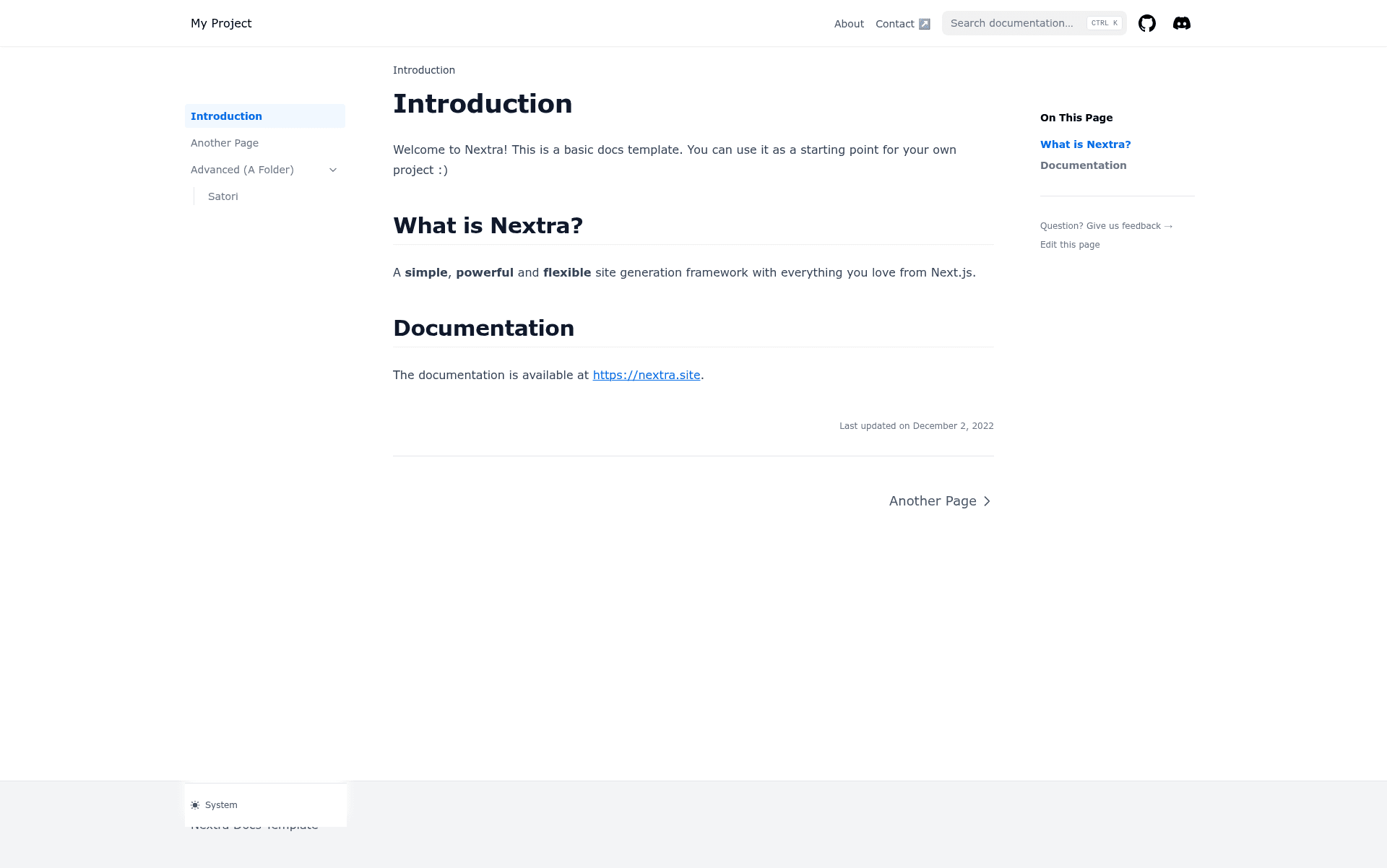
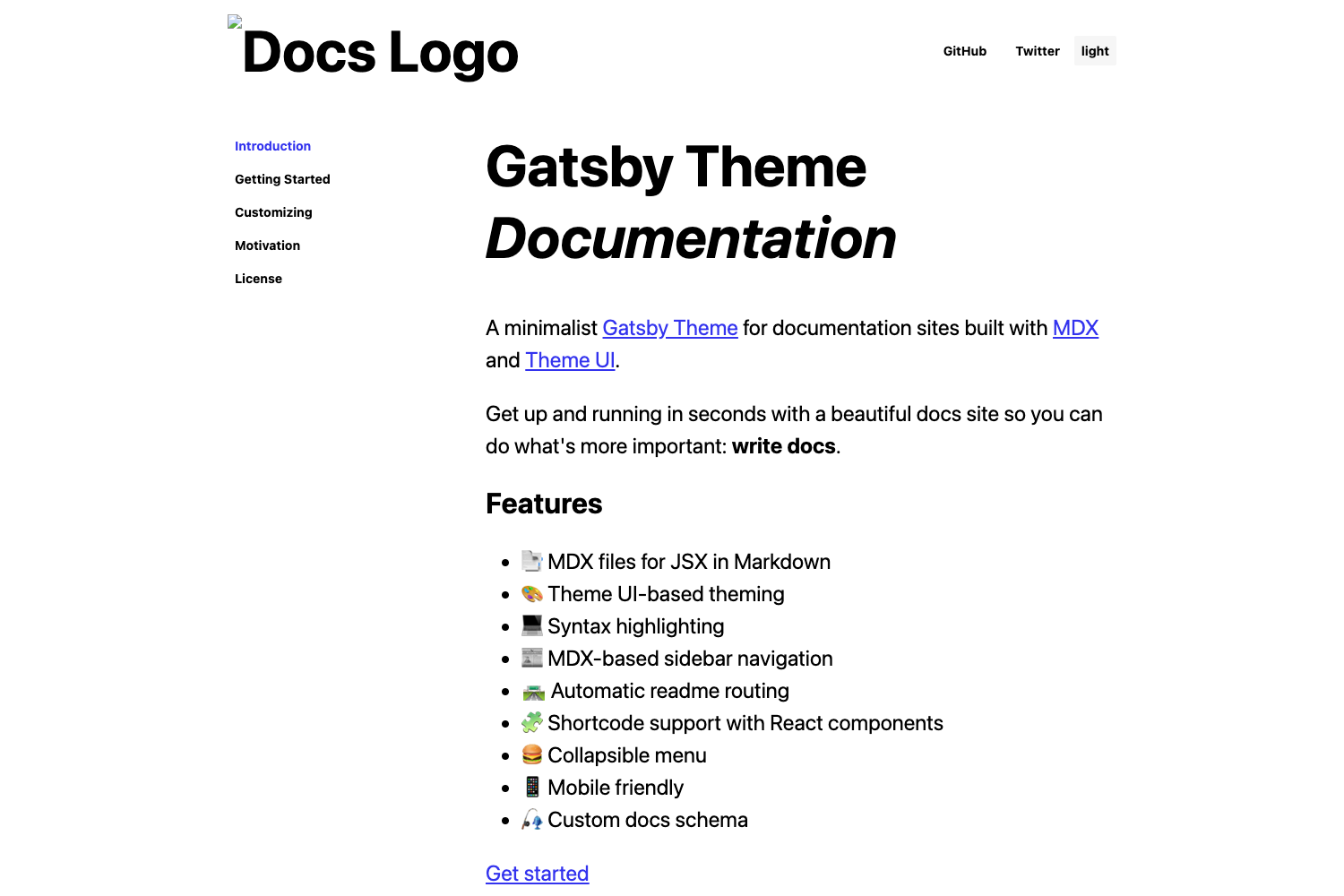
Nextra Docs Template is an open-source starter repository for building documentation websites using the Nextra framework. It takes Markdown and MDX content files as input and generates a static documentation site with a sidebar navigation, a search bar, and a top navigation bar. The template runs on Next.js through Nextra and is hosted in the shuding/nextra-docs-template GitHub repository. It is licensed under MIT and has earned more than 1,300 stars on GitHub.
Key Features
- Nextra framework built on Next.js — Uses Nextra, a static-site-generation layer over Next.js, giving you file-based routing and the ability to mix Markdown with React components.
- One-click Vercel deployment — The repository includes a Vercel deploy button that clones the template and deploys it instantly via the Vercel platform.
- Local development with pnpm — Run pnpm i to install dependencies and then pnpm dev to start a development server at localhost:3000 with hot reloading.
- Markdown and MDX support — Write documentation in plain Markdown or MDX, including React components inside your docs, with Nextra's built-in syntax highlighting.
- MIT License — The template is freely usable and modifiable for personal and commercial projects without restrictions.
- Live demo site — The repository links to a live example deployment at nextra-docs-template.vercel.app, so you can preview the default look before starting.
Who should use Nextra Docs Template?
- Technical writers — Need to create a documentation site quickly without building from scratch; they can clone the template and replace the content files.
- Open-source maintainers — Want an official docs site for their project with minimal setup, deployable to Vercel's free tier.
- Developers learning Nextra — Can study the template's structure to understand how Nextra organizes pages, navigation, and configuration.
Use cases
- Document an open-source library: write API reference pages in Markdown and organize them into a sidebar with multiple categories.
- Create an internal knowledge base: use the template as a company wiki and deploy it behind a Vercel deployment.
- Prototype a product's help center: customize the Nextra theme and publish a polished documentation experience within minutes.
How does it work?
Click the "Deploy to Vercel" button in the README to create a new repository from the template and deploy it directly to Vercel without any local setup. Alternatively, clone the repository locally, run pnpm i to install dependencies, then run pnpm dev to launch the development server at localhost:3000. Pushing changes to the repository triggers automatic redeployments when linked to Vercel.
Alternatives
- Docusaurus — a React-based documentation site generator that includes built-in versioning and is maintained by Meta.
- VitePress — a Vue-powered static site generator for documentation that serves pre-rendered static HTML.
FAQ
Is Nextra Docs Template free?
Yes, the template is released under the MIT License, so you can use it in commercial projects, modify it, and redistribute it without paying any license fees.
How do I deploy it to Vercel?
Use the Deploy to Vercel button in the repository README, or connect your cloned GitHub repository to Vercel and it will automatically build and deploy the site on each push.
What tools do I need for local development?
You need Node.js and the pnpm package manager. After installing dependencies with pnpm i, run pnpm dev and visit localhost:3000 to see the site.
Can I use my own domain?
Yes, once deployed on Vercel you can add a custom domain from the Vercel dashboard. This is standard Vercel functionality, not a template-specific limitation.
What is the default content of the template?
The template ships with example pages that demonstrate how to write Markdown, use the navigation, and configure metadata. You can replace the content files with your own docs while keeping the structure.