Template details
someparts-hugo
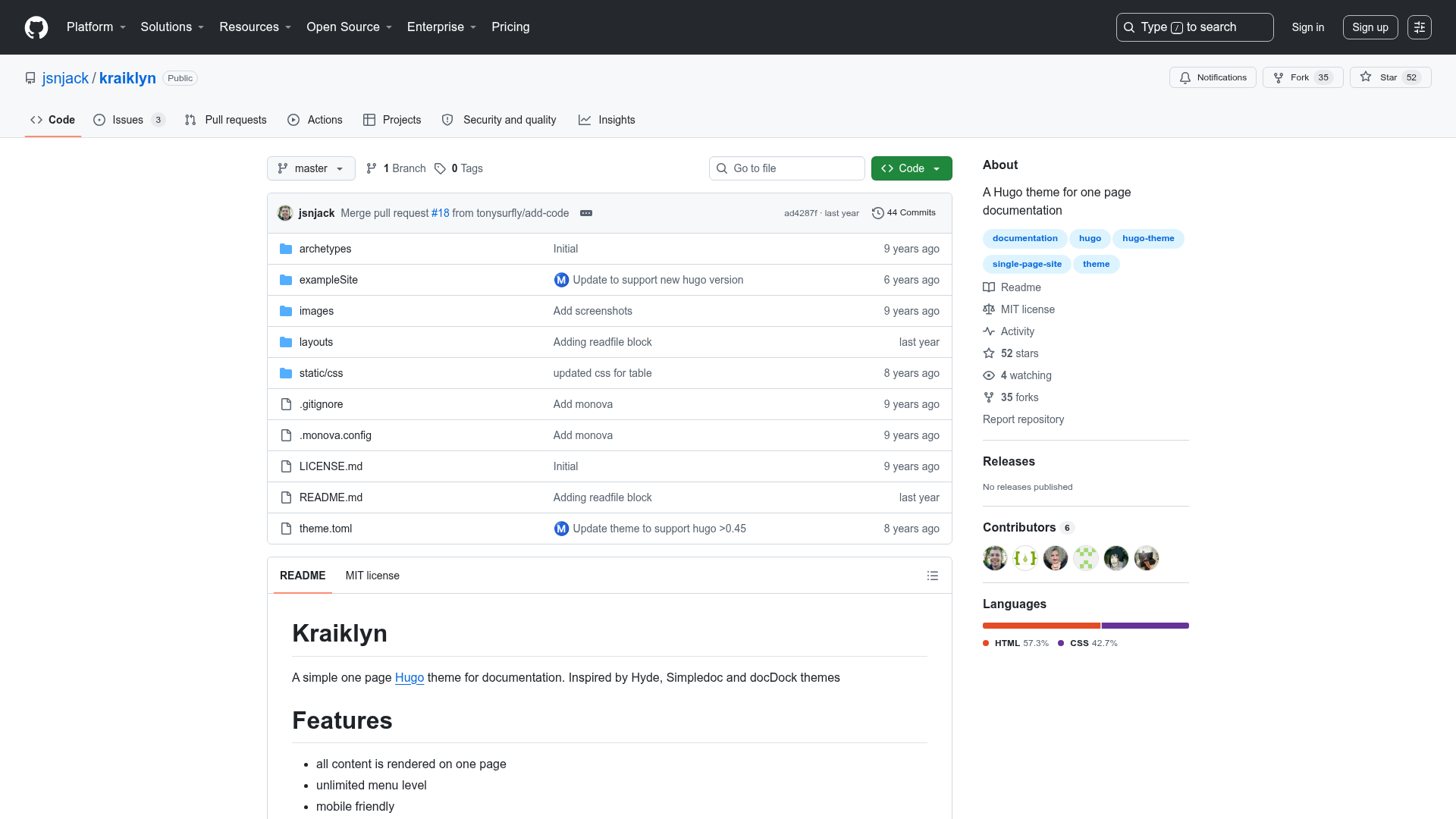
Easy to use Hugo theme to present some (up to 10) parts of a collection.
About this template
someparts-hugo is a Hugo theme designed to present up to ten named parts of a collection in a top navigation bar, built with Bootstrap 4, jQuery, and Font Awesome.
What is someparts-hugo?
someparts-hugo is a Hugo theme that renders a collection homepage, part pages, and resource pages from content files configured with front matter like id, subtitle, cover, link, and weight. It is developed by tastaturtier and published on GitHub. The theme requires Hugo version 0.63.2 or higher. It works by listing each part as a menu item in a navigation bar that appears on every page, so the total number of parts should stay below ten for readability.
Key Features
- Part-based navigation — Each part with an
idappears in the top menu on every page, and the active part is highlighted. - Private parts — Set
private: truein front matter to hide a part from the navbar, homepage, sitemap, and RSS. - Cover images and links — Parts support
cover.imgand optionalcover.link, displayed on the right side of the part page. - Resource pages — Create sub-pages for a part with
hugo new --kind resource foo/bar.md; they render below the part's description. - Dropdown menu — Configure
params.dropdownto add links like imprint, privacy policy, and RSS under the site title. - GDPR-friendly asset hosting — jQuery 3.4.1, Popper 1.14.7, Bootstrap 4.4.1, Font Awesome 4.7.0, and Cookie Consent 3.1.0 are stored in the theme's
static/directory rather than a CDN. - Google Analytics with opt-in — Set
params.googleAnalyticsto a tracking ID; analytics only load after user consent via Cookie Consent. - Flexible lastmod dates — Configure
frontmatter.lastmodto derive the last modification date fromdatefront matter or from git revision history.
Who is it for?
- Book series publishers — Present each volume as a part with a cover image and link, as shown on the live site verteiltearchitekturen.de.
- Educators and course authors — Organize chapters as parts, with exercises or lecture notes as resource pages.
- Technical writers — Build structured documentation with a dropdown menu pointing to privacy, imprint, and RSS pages.
What can you do with someparts-hugo?
- Publish a multi-volume book — Create one part per volume, add covers and purchase links, and list all volumes on the collection homepage with keywords.
- Create chapter-based textbooks — Replace volumes with chapters by generating a bundle per chapter (
hugo new --kind part ch1) and adding resource pages for each chapter. - Build a curated collection — Show up to nine items (like colors, products, or topics) in a consistent menu, optionally with a Font Awesome icon before each part's id via
params.icon.
How does someparts-hugo work?
Install the theme with git submodule add https://github.com/tastaturtier/someparts-hugo.git themes/someparts-hugo, copy the example site's config.toml, and define your collection in /_index.md. Parts can be created with hugo new --kind part foo and resources with hugo new --kind resource foo/bar.md. The theme then renders the collection list at the site root and part pages under their own URLs.
Demos
The theme includes an example site with colors as parts, and a live production example at https://verteiltearchitekturen.de/. A Netlify demo is available at https://someparts-hugo.netlify.com/.