Template details
Minimal-Blog
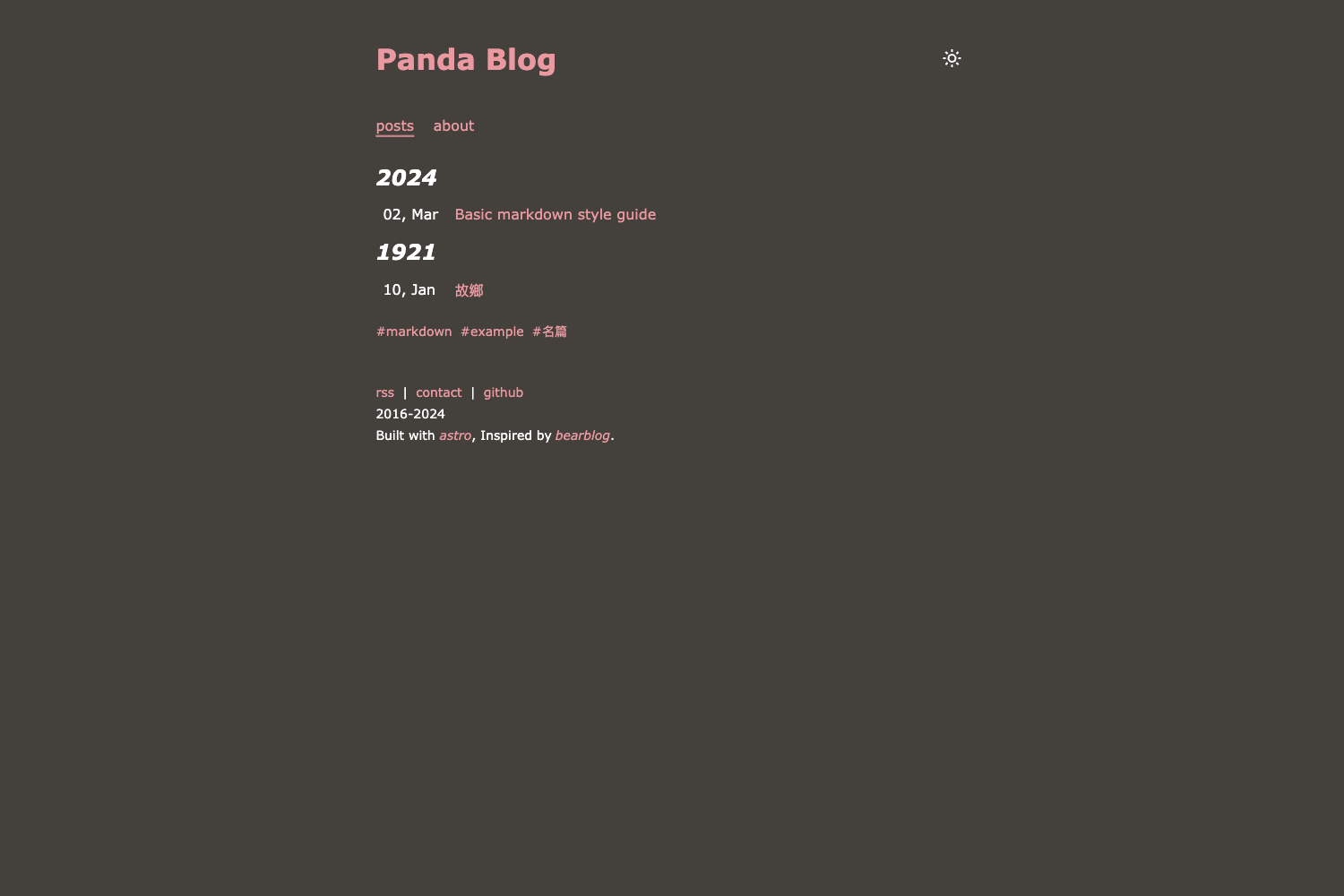
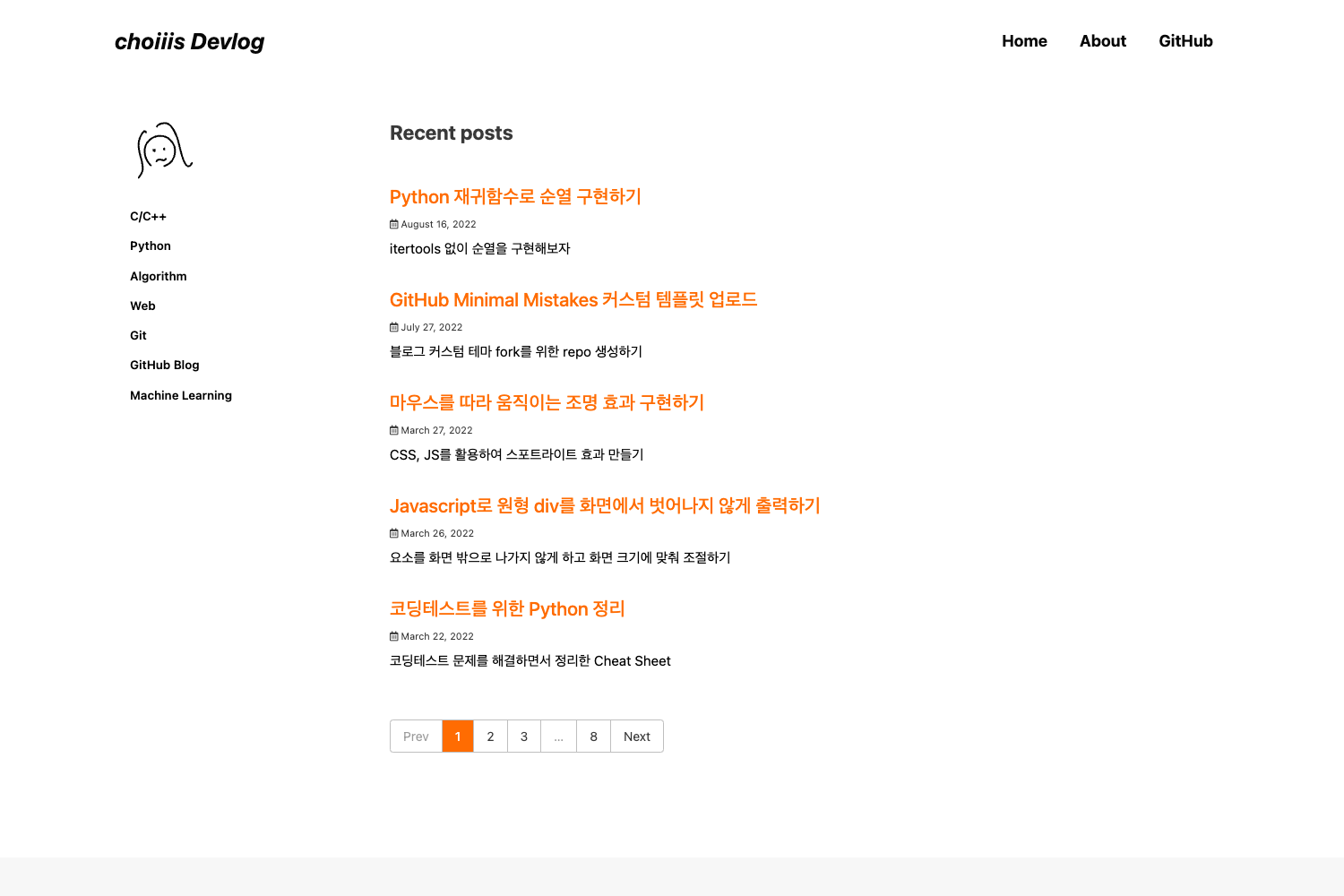
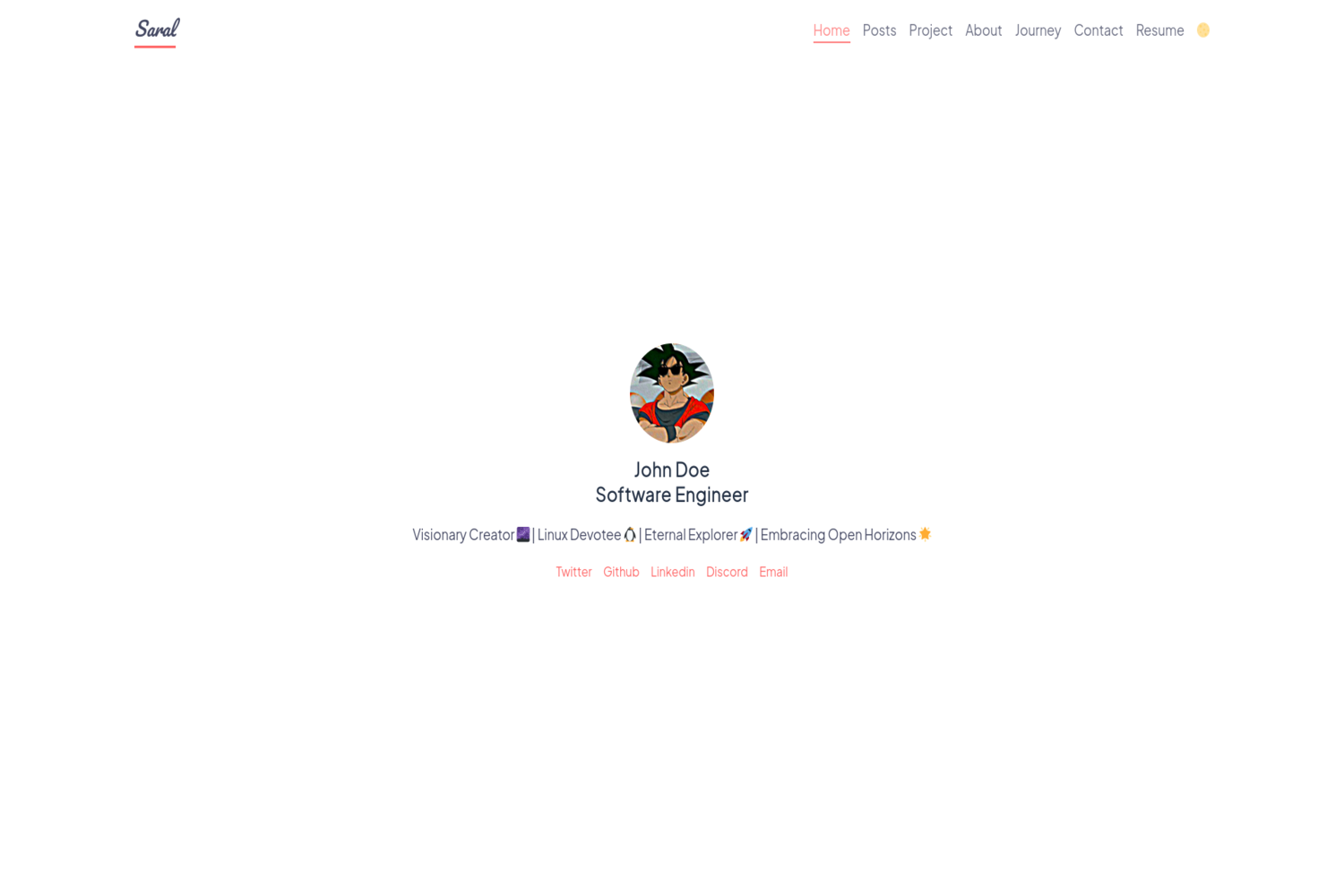
Free open-source Tailwind CSS starter template for a minimalistic monochrome blog layout in a single HTML file.
About this template
Minimal-Blog is a free, open-source Tailwind CSS starter template from Tailwind Toolbox that gives you a minimalistic monochrome blog layout in a single HTML file.
What is Minimal-Blog?
Minimal-Blog is a free, open-source Tailwind CSS starter template that provides a minimalistic monochrome blog layout as a single HTML file. It runs entirely in the browser: the HTML file loads Tailwind CSS from a full CDN, so you don't need a build step to view or edit it. The template was created and is maintained by Tailwind Toolbox (Amrit Nagi, co-owner of Astrava.Solutions) and is released under the MIT license. On GitHub, the repository carries 128 stars and is described as a "Tailwind CSS Starter Template - Minimal Blog."
Key Features
- Single-file structure — The entire template consists of one HTML file that pulls Tailwind CSS from a CDN, meaning you can open it directly in a browser without installing dependencies.
- Monochrome minimalist design — The layout uses a grayscale, minimal style consistent with the template's name and repository topics (minimal, minimalist, monochrome).
- MIT licensed — You can use, modify, and redistribute the code freely, including in commercial projects.
- Multiple start options — You can download the latest release as a ZIP, clone the repository with
git clone https://github.com/tailwindtoolbox/Minimal-Blog.git, or fork the GitHub repository. - Tailwind CSS foundation — Built on the Tailwind CSS framework (by Adam Wathan, Jonathan Reinink, David Hemphill, and Steve Schoger), which provides utility classes for layout and typography.
- Setup guide available — Tailwind Toolbox provides a setup guide for customizing Tailwind CSS beyond the CDN version, helping you tweak the design.
Who is it for?
- Bloggers and writers — Use the template as a clean, distraction-free home for personal essays or articles, replacing the placeholder content with your own posts.
- Tailwind CSS learners — Study the single HTML file to see how Tailwind utility classes build a complete blog page, then experiment with changes.
- Developers starting a blog project — Fork the repository, modify the markup, and publish a static blog without configuring a build toolchain.
What can you do with Minimal-Blog?
- Launch a blog quickly — Download the release ZIP, edit the HTML to add your posts, and host it on any static web server.
- Learn Tailwind by example — Open the source to see a real-world layout made entirely of utility classes, and use the setup guide to move to a custom Tailwind build.
- Create a base for client work — Fork the repo and use the minimal blog as a starting point for a client's content site, then add your own styling.
How does Minimal-Blog work?
To get started, download the latest release, clone the repository, or fork it on GitHub. Open the downloaded HTML file in a browser to see the blog layout immediately; because Tailwind is loaded via CDN, no Node.js or build tools are required. For deeper customization, follow the setup guide to install Tailwind locally and integrate it into your own workflow.
FAQ
Is Minimal-Blog free?
Yes. The template is released under the MIT license, so you can use it for personal or commercial projects without paying a fee.
How do I get started with Minimal-Blog?
Download the latest release from GitHub, clone the repository with git clone https://github.com/tailwindtoolbox/Minimal-Blog.git, or fork the repo. Then open the HTML file in your browser to preview the layout.
Does Minimal-Blog require a build step?
No. The template is a plain HTML file that loads Tailwind CSS from a full CDN, so you can open it directly. The optional setup guide explains how to install Tailwind locally if you want to customize it further.
Who created Minimal-Blog?
The template was created by Tailwind Toolbox, maintained by Amrit Nagi, co-owner of Astrava.Solutions. The repository and issue tracker are hosted on GitHub.