Template details
Next.js STEP Boilerplate
Next.js starter template preconfigured with StandardJS, Tailwind CSS, ESLint, and Prettier.
About this template
The Next.js STEP Boilerplate is a personal Next.js project template that preconfigures a development environment with StandardJS, Tailwind CSS, ESLint, and Prettier, plus Visual Studio Code workspace settings and recommended extensions.
What is the Next.js STEP Boilerplate?
The Next.js STEP Boilerplate is a starter template for Next.js applications that combines four tools: StandardJS, Tailwind CSS, ESLint, and Prettier. It is authored by thuyencode and published as a GitHub repository that can be scaffolded via npx create-next-app -e or bun create. The template includes a nextjs-step-boilerplate.code-workspace file that carries workspace settings and recommended extensions for Visual Studio Code.
Key Features
- StandardJS rules — Enforces a standardized JavaScript style without additional configuration.
- Tailwind CSS — Utility-first CSS framework preconfigured for styling components.
- ESLint — JavaScript/TypeScript linter set up to work with Next.js projects.
- Prettier — Code formatter that keeps files styled consistently.
- Visual Studio Code workspace — A
.code-workspacefile that sets editor preferences and recommends extensions. lucide-react— An icon package included by default that can be removed with a single command.- Default app page —
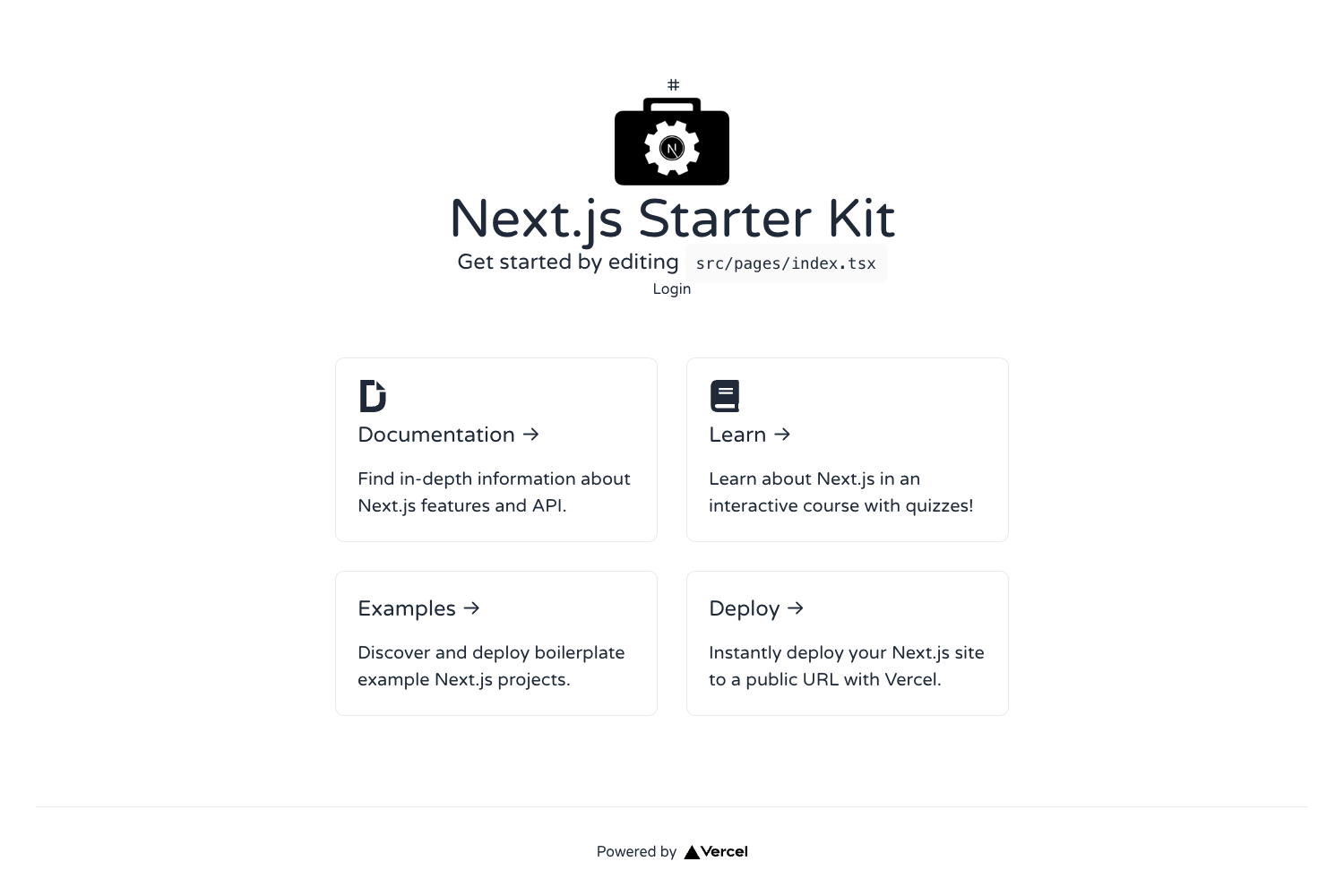
app/page.tsxprovides a clean starting screen, and thepublicfolder holds replaceable assets.
Who is it for?
- Next.js developers who want a ready-to-run starter with linting and formatting already configured.
- Frontend teams that standardize on StandardJS style and want ESLint and Prettier aligned with that rule set.
- VS Code users who benefit from workspace-level settings and recommended extensions when opening the project.
- Developers building with Tailwind CSS who want to avoid the setup step and jump straight into writing utility classes.
What can you do with the Next.js STEP Boilerplate?
- Scaffold a new app — Run the provided
create-next-apporbun createcommand to generate a local project folder with the template contents. - Start developing immediately — Launch the development server and edit
app/page.tsxwhile Tailwind, ESLint, and Prettier work in the background. - Strip boilerplate content — Remove demo assets from
public, reset Tailwind settings, cleanapp/page.tsx, and uninstalllucide-reactto leave a minimal base for custom work.
How does the Next.js STEP Boilerplate work?
Setting up takes one command. For example, npx create-next-app -e https://github.com/thuyencode/nextjs-step-boilerplate copies the template into a new directory, or you can use bun create github.com/thuyencode/nextjs-step-boilerplate with an optional destination argument. After installation, open http://localhost:3000 to see the default page. To remove the included samples, delete assets inside public, edit the workspace file, reset Tailwind CSS settings, change the code in app/page.tsx, and run npm r lucide-react (or bun r lucide-react).
FAQ
How do I create a project from this template?
Use npx create-next-app -e https://github.com/thuyencode/nextjs-step-boilerplate in your terminal. Alternatively, use bun create github.com/thuyencode/nextjs-step-boilerplate and optionally pass a destination directory.
What does STEP stand for?
STEP is an acronym for StandardJS, Tailwind CSS, ESLint, and Prettier — the four tools that the template configures out of the box.
Can I use this template without Tailwind CSS?
Yes, the template provides instructions to reset Tailwind CSS settings and remove related configuration if you prefer a different styling approach.
Is lucide-react required?
No, lucide-react is an icon library included by default. You can remove it with npm r lucide-react or bun r lucide-react as described in the template's "Remove boilerplates" section.