Template details
Prismic + Nuxt Multi-Page Starter
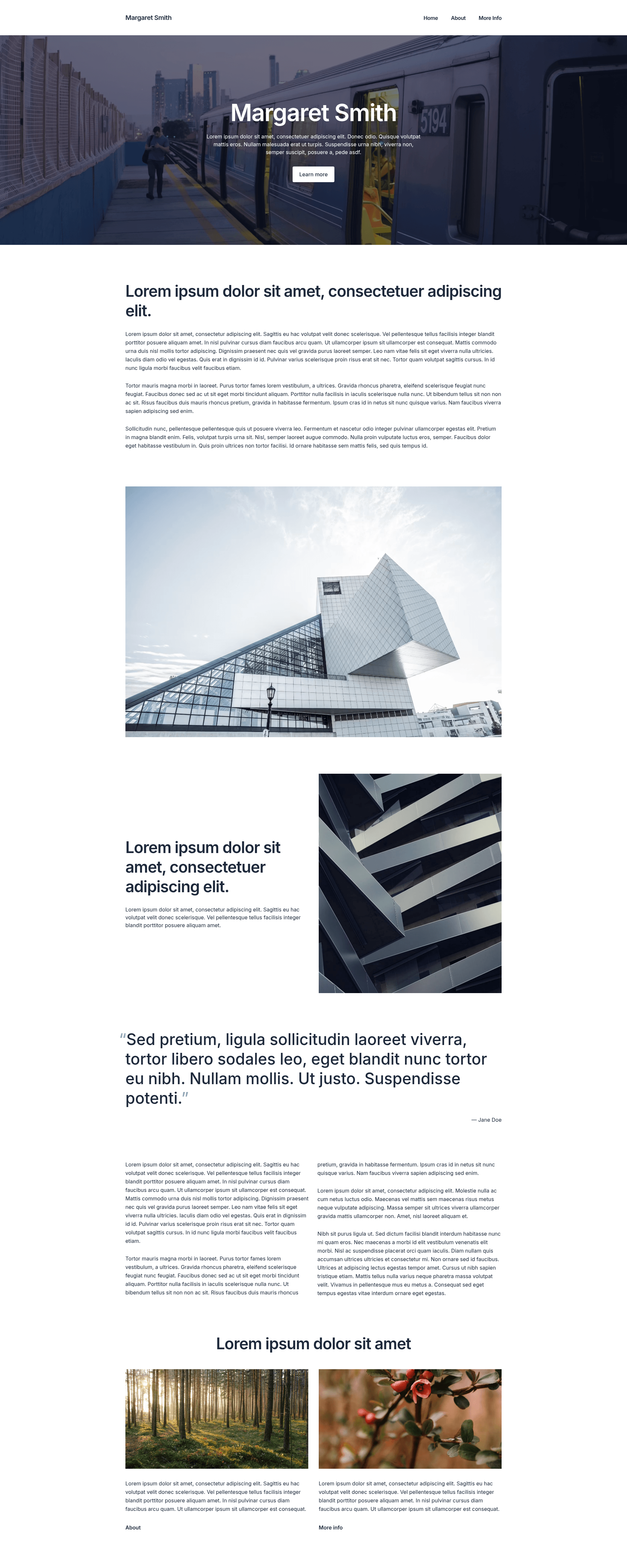
Multi-page website starter built with Nuxt and Prismic, featuring homepage, information pages, and navigation.
About this template
Prismic + Nuxt Multi-Page Starter is a boilerplate project for building a multi-page personal website with Nuxt, using Prismic as the headless CMS. It is published by the Prismic community under the Apache License 2.0 and comes with sample content and navigation so you can start from a working example.
What is the Prismic + Nuxt Multi-Page Starter?
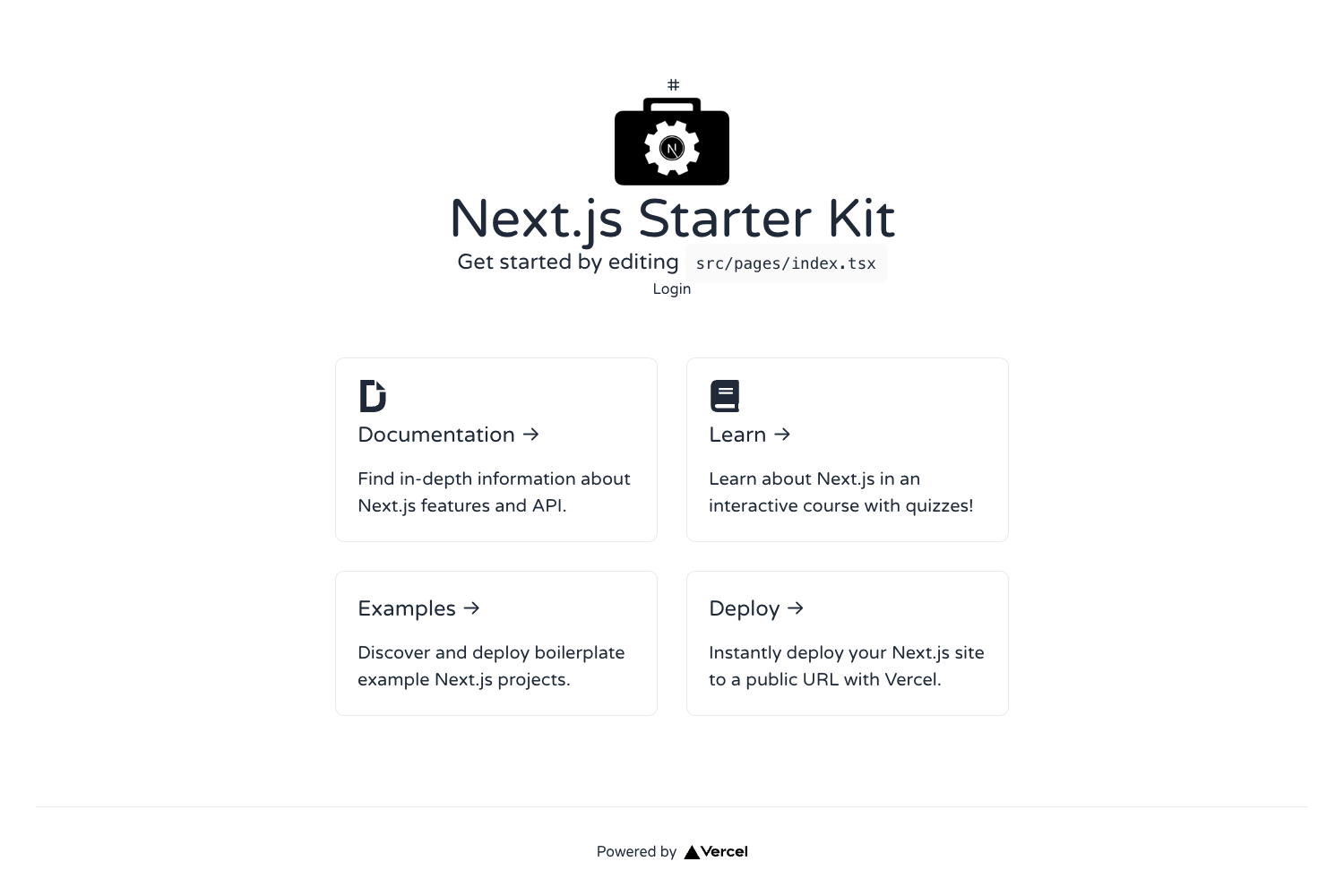
The starter is a Nuxt application pre-configured to connect to a Prismic content repository. It includes code for a homepage, information pages, and navigation, and it generates a static or server-rendered site from the content stored in Prismic. The project is initialized with a degit command and then linked to your own Prismic repository during setup.
What makes it stand out?
- Ready-made multi-page structure — includes homepage, information pages, and navigation, so you don't start from a blank canvas.
- Prismic integration — uses Prismic as the CMS, with sample content created when you run
npx prismic init. - Built on Nuxt — leverages the Nuxt framework for Vue-based development with file-system routing and component conventions.
- Quick project bootstrap — clone with
npx degit prismicio-community/nuxt-starter-prismic-multi-page your-project-name. - Live demo — the working site is hosted at nuxt-starter-prismic-multi-page.vercel.app for preview.
- Documentation included — a dedicated
docs/README.mdinside the starter plus links to the Prismic Nuxt documentation. - Open source — released under Apache License 2.0, so you can freely use and modify it.
Who should use this starter?
- Nuxt developers who want to see a complete integration between Nuxt and the Prismic headless CMS with real content.
- Freelancers and agencies building multi-page marketing or personal sites that need an editable content layer.
- Content editors who prefer managing text and images in Prismic rather than editing code files directly.
What can you do with it?
- Personal websites: set up a homepage with information pages about you, all editable in Prismic.
- Small business sites: adapt the starter into a multi-page company site with navigation to services and contact pages.
- Learning projects: study how Nuxt's routing and composables work together with Prismic's API in a small, real-world example.
How does it work?
- Run
npx degit prismicio-community/nuxt-starter-prismic-multi-page your-project-namein your terminal. - Enter the project folder and run
npx prismic initto log in or create a Prismic account, which also creates a content repository with sample content. - Start development with
npm run devand edit content in Prismic; the site updates through the Nuxt/Prismic integration.
FAQ
Is this starter free?
Yes, the code is open source under the Apache License 2.0, so you can use and modify it freely. Prismic itself has a free tier for small projects, but the starter does not impose any cost.
What do I need to run it?
You need Node.js and npm to run the Nuxt development server, plus a Prismic account to store content. The npx prismic init step walks you through logging in or signing up.
Does it include a CMS?
It integrates with Prismic, a headless CMS. Running the init command creates a Prismic repository with sample content, and the Nuxt site fetches that content for display.
Can I customize the pages?
Yes, the project files give you full control over the Nuxt application. You can add new pages, change navigation, and edit components, while content itself can be managed in Prismic.
How do I learn more about Prismic with Nuxt?
The starter's documentation folder and the Prismic Nuxt documentation at https://prismic.io/docs/nuxt explain how to work with the project and the API.