Template details
Vercel Examples
Curated collection of Vercel example apps, starter projects, and reference solutions you can clone, configure, and deploy.
About this template
Vercel Examples is a public GitHub repository maintained by Vercel that collects ready-to-deploy example applications, starter projects, and reference architectures built mainly for Next.js and other web frameworks running on Vercel.
What is Vercel Examples?
Vercel Examples is a GitHub repository of curated example projects and solution demos maintained by Vercel. Each example is a self-contained folder holding a package.json, a README.md with a demo URL, and — when secrets are required — a .env.example file, so the folder can be copied, renamed, configured, and deployed to Vercel as the starting point for a new application. The repo splits content into a Solutions area (demos, reference architecture, and best practices) and a Starter area (functional applications used as starting points). Selected examples are surfaced in Vercel's Templates directory, which adds filtering across categories. New entries are scaffolded with pnpm i followed by pnpm new-example, and readers of the README add front matter metadata at the top of a file to create a Draft template in Contentful before publishing.
Key Features
- Scaffolding script —
pnpm new-examplegenerates a new example folder from the files underplop-templates/example/, so contributors do not hand-write the boilerplate readme, manifest, and config files. - Framework-agnostic manifests — the example
package.jsontemplate marks Next.js usage as optional; any framework can be used, but the license field should be MIT. - Required file set — every example ships a
.gitignore, apackage.json, and aREADME.mdmodelled on the plop templates, plus a.env.exampleand setup instructions whenever environment variables are needed. @vercel/examples-ui— Next.js examples share styling and layout through this package, whose usage is demonstrated in the plop template.- Next.js-specific config — Next.js examples must also include an
.eslintrc.jsonmatching the plop template. - Deploy Button customization — documented on Vercel for cases where a deployment requires environment variables, so the README's deploy button prompts for them.
- Template metadata — front matter at the top of a README, with all valid values listed in
internal/fields.json, promotes an example into a template on vercel.com/templates. - Related templates — the
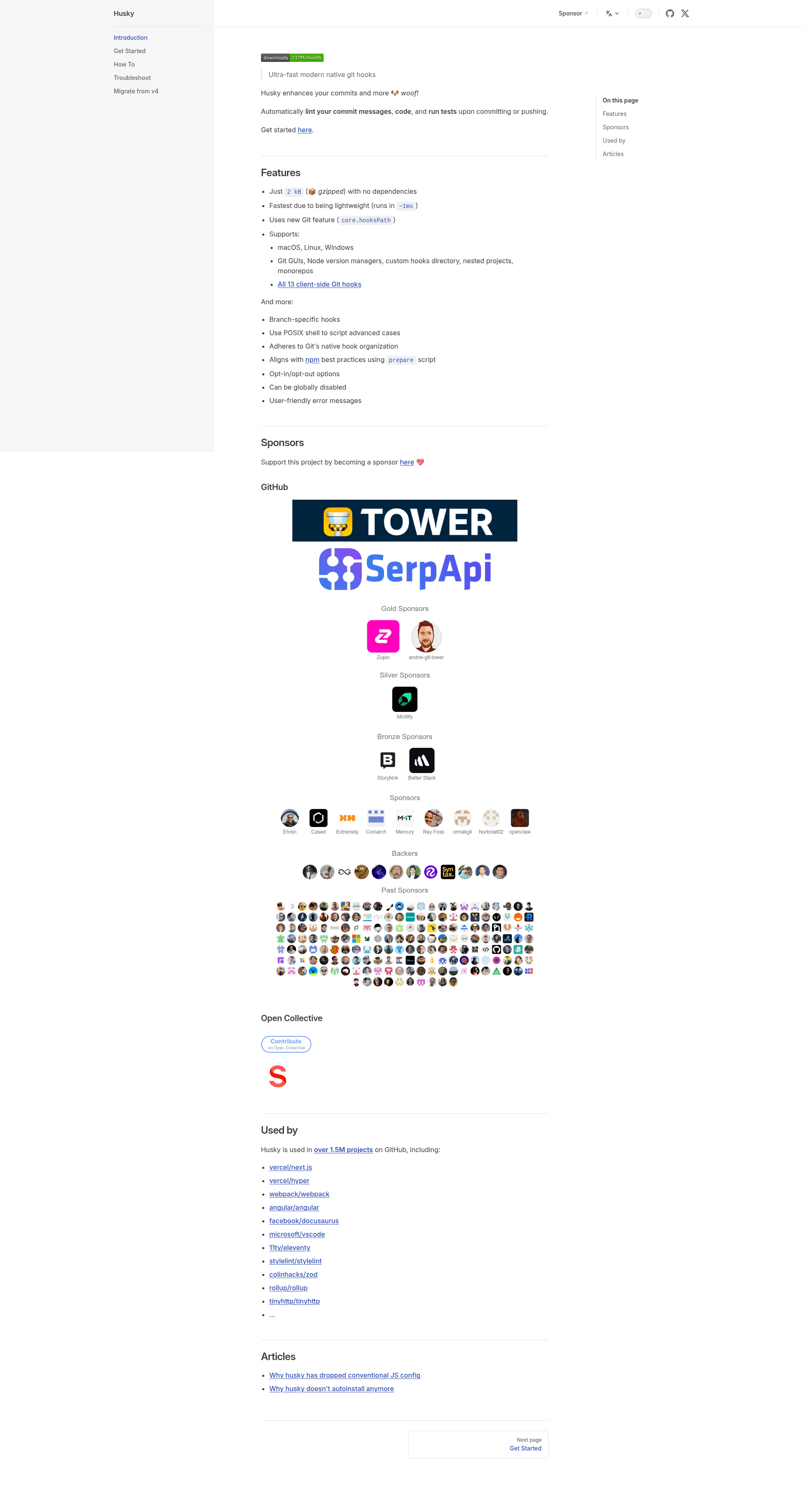
relatedTemplatesfield takes the slug of another template (for examplemonorepo-turborepofromsolutions/monorepo/README.md) to cross-link entries. - Husky pre-commit hook — installed automatically during install, it runs Prettier and ESLint on each commit;
pnpm run preparereinstalls it manually if that step fails.
Who is it for?
- Vercel and Next.js developers starting a project who want to clone a working starter, set the environment variables, and deploy instead of writing config from scratch.
- Teams choosing an architecture who read the Solutions examples for reference architecture and best practices before committing to a pattern.
- Open-source contributors adding a new example with
pnpm new-exampleand opening a pull request against the repository. - Vercel staff ("Vercelians") who add front matter to a README to create a Draft template in Contentful and then publish it using the internal publishing guide.
What can you do with Vercel Examples?
- Start a new deployable app: copy a Starter example, adjust its
package.jsonname and its.env.examplevalues, and deploy it to Vercel with the demo button workflow. - Adopt an edge middleware pattern: the
edge-middlewareexamples, such asbot-protection-datadome, show middleware plus required environment variables with README setup steps. - Learn a monorepo layout:
solutions/monorepo(slugmonorepo-turborepo) demonstrates a Turborepo monorepo template structure on Vercel. - Publish your own Vercel template: add front matter plus
relatedTemplatesslugs so the example appears in the filtered vercel.com/templates listing.
How does Vercel Examples work?
- Run
pnpm iand thenpnpm new-exampleto generate the folder, or build one by hand that matchesplop-templates/example/. - Satisfy the conventions:
.gitignore, MIT-licensedpackage.json,README.mdwith a demo URL,.env.examplewhen secrets are needed, and.eslintrc.jsonfor Next.js examples. - Commit — Husky runs Prettier and ESLint automatically — then open a pull request; the Vercel team deploys the demo, and front matter metadata creates a Draft template in Contentful.
FAQ
Is Vercel Examples free to use?
Yes. The repository is public, and the example manifests are expected to carry an MIT license, so you can copy an example into your own project and deploy it on Vercel at no cost beyond whatever services the individual example uses.
Do I have to use Next.js?
No. The example package.json template states that Next.js usage is optional. If an example does use Next.js, it must additionally include an .eslintrc.json matching the plop template and should use @vercel/examples-ui for styling and layout.
How do I add a new example?
Run pnpm i and pnpm new-example, or replicate the files under plop-templates/example/. Each example needs a .gitignore, an MIT-licensed package.json, and a README.md with a demo URL, plus a .env.example and setup instructions when environment variables are required.
How do examples get featured on vercel.com/templates?
Add front matter metadata to the top of the example's README; all accepted field values are listed in internal/fields.json. For Vercel staff this creates a Draft template in Contentful, which is then published following the internal publishing guide. Cross-links use the relatedTemplates slug field.
Which files must every example include?
At minimum a .gitignore, a package.json with an MIT license, and a README.md following the plop template, which must be able to include a demo URL. Examples requiring environment variables must also ship a .env.example file with instructions for setting each value.