Template details
Shirt Shop Flags SDK Example
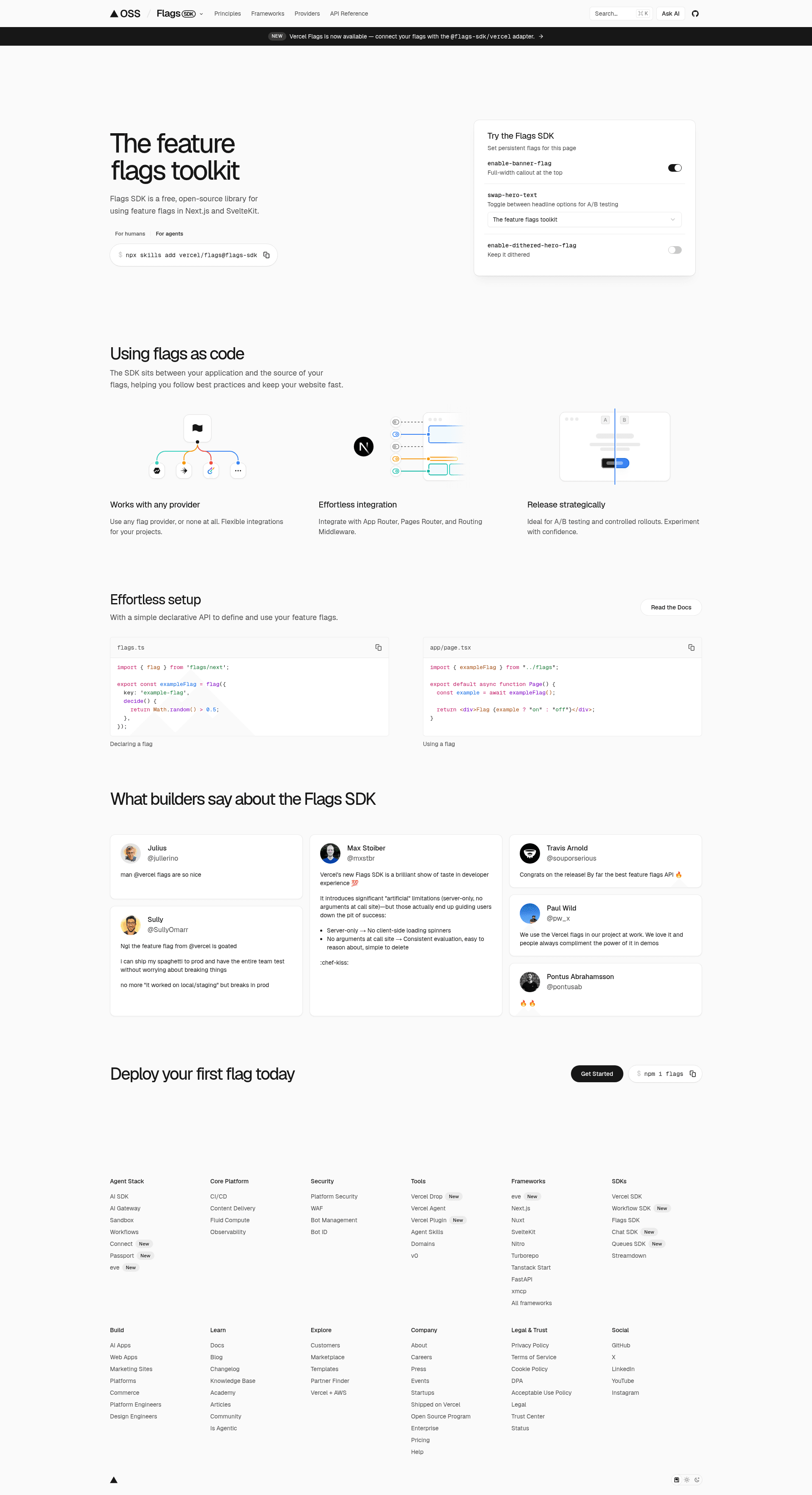
Next.js ecommerce demo by Vercel that toggles two promotional banners with code-defined Flags SDK feature flags, Flags Explorer, and Vercel Analytics.
About this template
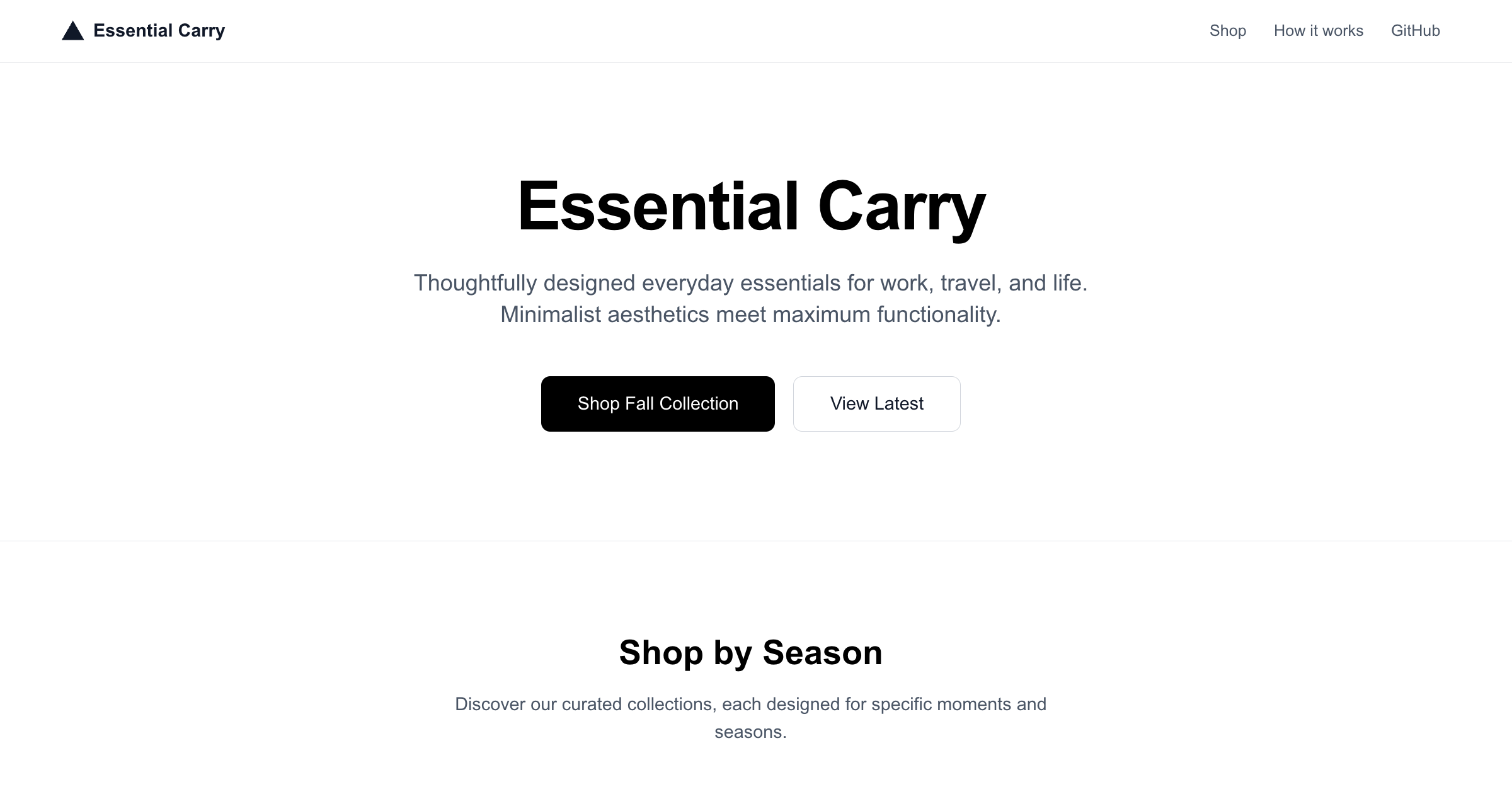
Shirt Shop Flags SDK Example is a Vercel-maintained Next.js storefront demo that uses the Flags SDK to control two promotional banners with feature flags, with the Flags Explorer toolbar and Vercel Analytics wired in.
What is the Shirt Shop Flags SDK Example?
The Shirt Shop Flags SDK Example is a Next.js ecommerce template published by Vercel that shows feature-flag-driven UI on a product page. Two feature flags declared in code decide whether each of two promotional banners is rendered, and the app also records analytics events through @vercel/analytics. A hosted demo runs at shirt-shop.labs.vercel.dev, and the source sits in the vercel/flags repository under examples/shirt-shop.
What makes the Shirt Shop Flags SDK Example stand out?
- Two code-defined feature flags — Each flag independently controls one banner and is configured to show that banner 50% of the time, so a visitor sees both, one, or neither banner.
- Stable-ID bucketing — A stable identifier keeps a given visitor on the same variation across reloads instead of re-randomizing on every page view.
- Flags Explorer integration — Once the project is linked, the Vercel toolbar's Flags Explorer can create overrides to test variations without editing code.
- On-page Dev Tools — A Dev Tools panel at the bottom of the page resets the stable id and reloads the page, letting you cycle through the other variations.
- Vercel Analytics — Analytics events are tracked with the
@vercel/analyticspackage. - One-click deploy — A Deploy with Vercel button clones the GitHub repository and prompts for the required environment variable.
- FLAGS_SECRET environment variable — The Flags Explorer uses this value to securely overwrite feature flags; it must be 32 random bytes, base64-encoded, either generated or supplied by you.
How does the Shirt Shop Flags SDK Example work?
To run it locally you deploy the template (or clone it), then link the project with vercel link so the Flags Explorer can reach it. You pull environment variables with vercel env pull, install dependencies with npm install, and start the dev server with npm run dev. Visiting the page shows the current banner variation, which stays stable for that visitor until the stable id is reset.
Who should use the Shirt Shop Flags SDK Example?
- Next.js developers learning the Flags SDK: study a minimal, working example of defining flags in code and reading them in a page.
- Ecommerce and growth teams: test promotional banner placements, such as free-shipping or seasonal-deal messaging, before committing to one.
- Teams evaluating Vercel's flag tooling: exercise the Flags Explorer toolbar and overrides workflow end to end on a real deploy.
Use cases
- A/B testing banner copy or placement: toggle each banner on or off at 50% and watch how variation groups behave.
- Demoing feature flags to stakeholders: use the on-page Dev Tools or Flags Explorer overrides to switch variations live during a walkthrough.
- Prototyping analytics on flag exposures: send flag-driven interactions into Vercel Analytics as a starting pattern for measuring experiments.
FAQ
What does the Shirt Shop Flags SDK Example actually demonstrate?
It shows two feature flags defined in code, each controlling whether one promotional banner appears on the product page. Flags are set to a 50% split, and the same stable id keeps the visitor's variation consistent. It also sends events to Vercel Analytics.
Do I need a FLAGS_SECRET to run it?
Yes, if you want the Flags Explorer to overwrite flags. The variable must be 32 random bytes, base64-encoded. You can accept the generated value at deploy time or set your own, then retrieve it locally with vercel env pull.
How do I see a different banner variation?
Use the Dev Tools panel at the bottom of the page to reset the stable id and reload, which re-buckets the visitor. On a linked deployment you can instead create overrides in the Flags Explorer toolbar to force a specific variation.
Which framework is the example built on?
It is a Next.js app that imports the Flags SDK for flag definitions and reads them on the server, with the Vercel toolbar providing the Flags Explorer overrides UI. It is published by Vercel in the Flags SDK examples folder.
Is it an ecommerce starter I can ship?
It is an example template, not a production store. There is no cart, checkout, payment provider, or product backend in the documentation; the shirt shop framing exists to host the two banners that the feature flags control.