Template details
Plaintro
Jekyll theme designed for personal websites.
About this template
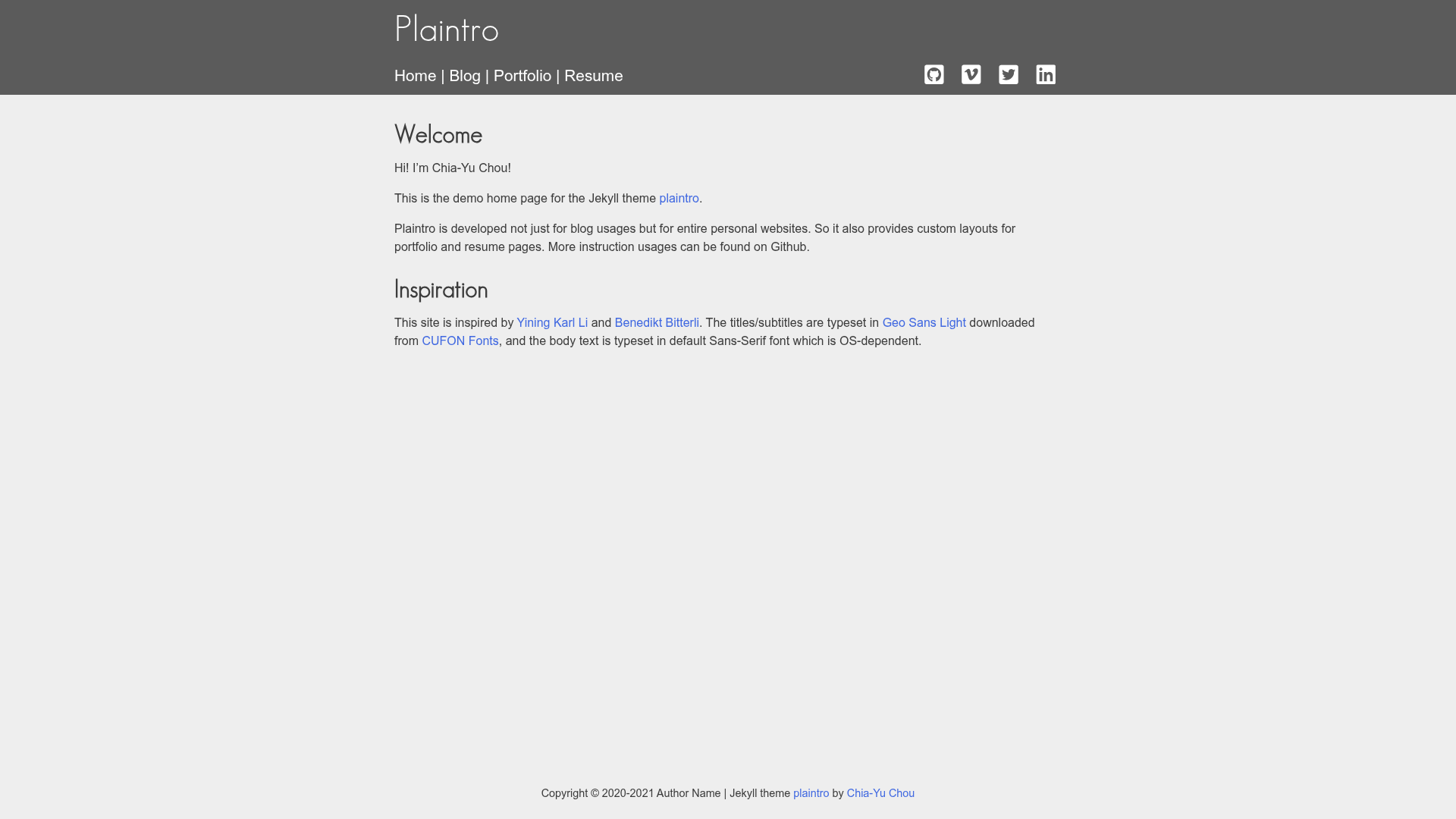
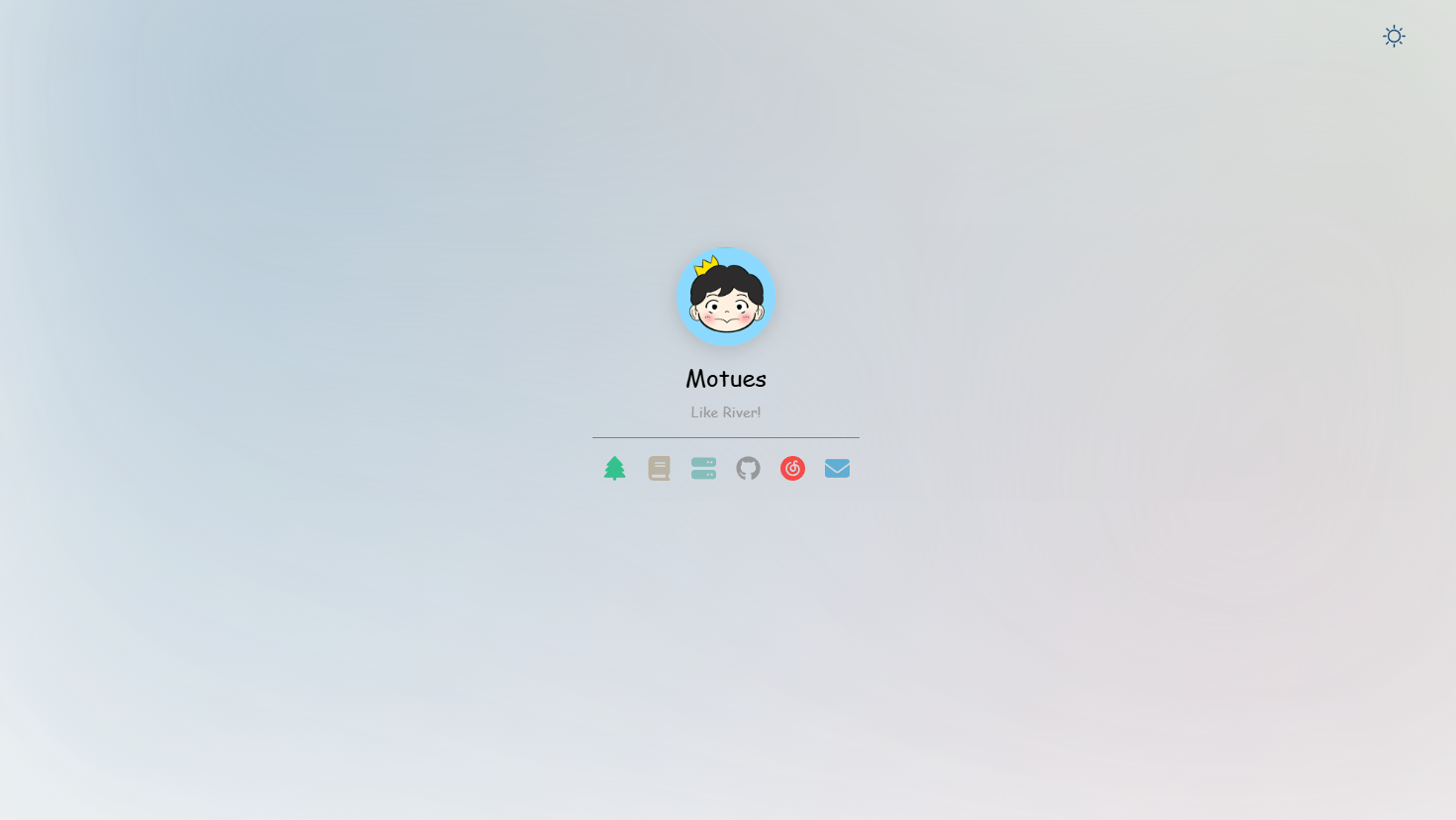
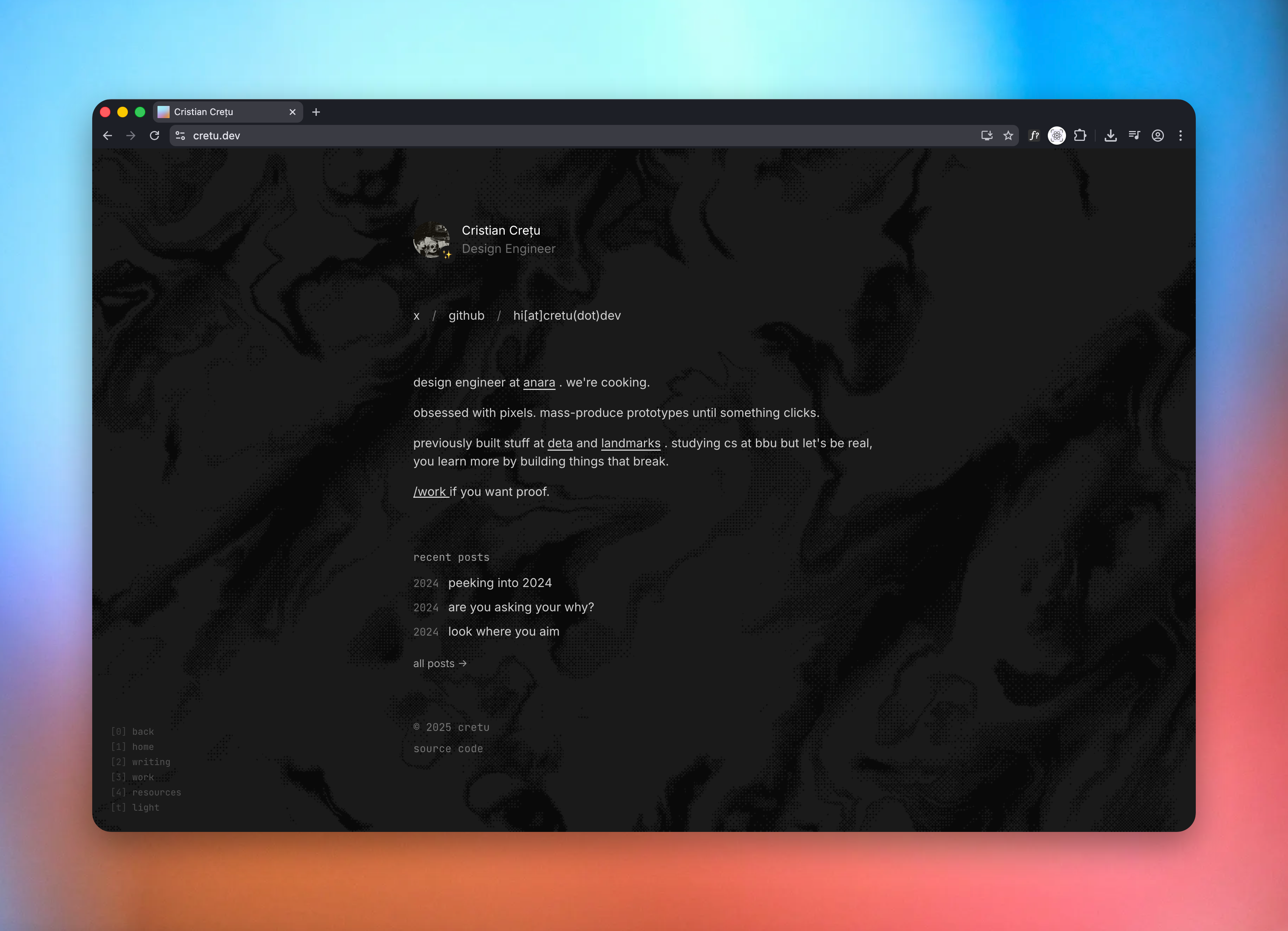
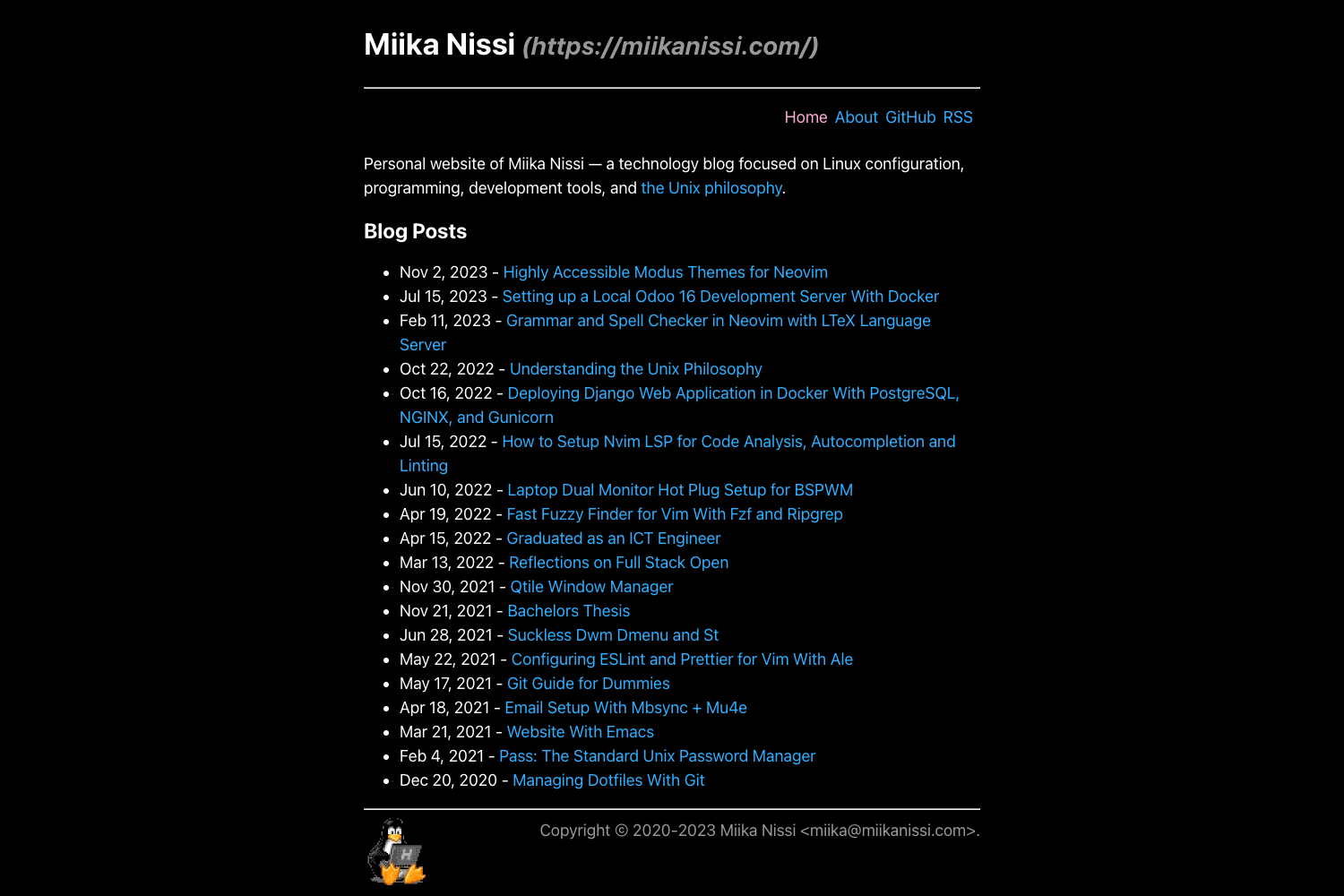
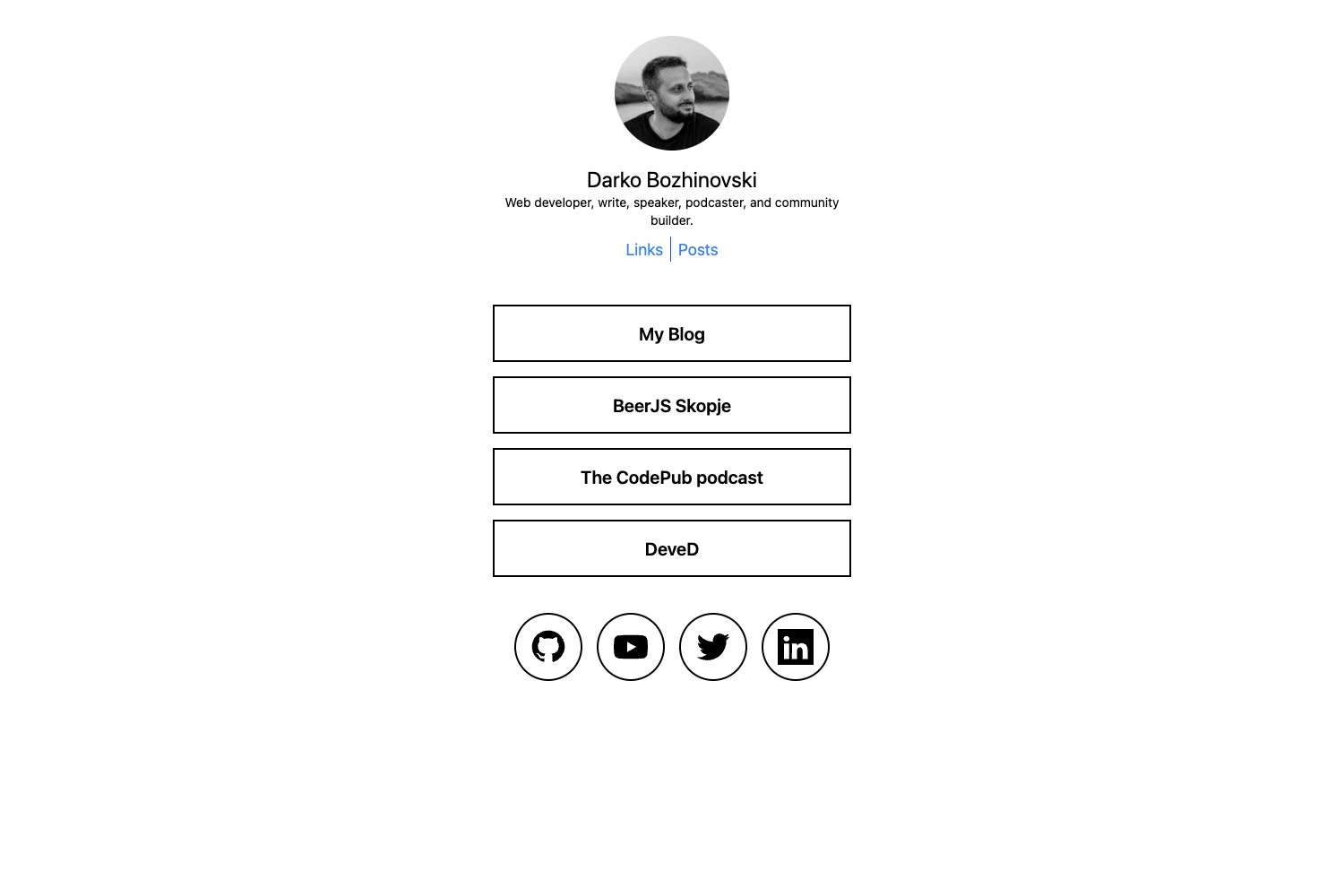
Plaintro is a responsive Jekyll theme built for personal websites, offering multiple page layouts for blogs, portfolios, resumes, and standard content pages.
What is Plaintro?
Plaintro is a Jekyll theme distributed as a Ruby gem and as a GitHub Pages remote theme. It takes Markdown content and site configuration and generates a static website with a responsive design. The theme is developed by GitHub user xh5a5n6k6 and is open source under the MIT License.
Key Features
- Responsive web design — Layouts adapt to screen sizes using a mobile-first approach, with Normalize.css for consistent cross-browser styling.
- Multiple layouts — Includes default, blog, post, blog-archive, portfolio, and resume layouts, each selected via YAML front matter.
- Font Awesome icons — Social links in the header are rendered with Font Awesome icon names defined in the site's
_config.yml. - Google Analytics — Supports both Universal Analytics track IDs (UA-XXXXXXX-X) and Google Analytics 4 measurement IDs (G-XXXXXXXX) through a single
google_analytics_idsetting. - Jekyll Feed — Generates an RSS feed automatically via the jekyll-feed plugin.
- Jekyll Paginate — Enables paginated blog listing with configurable
paginate_path. - Jekyll SEO Tag — Adds search-engine optimization metadata to pages and posts.
- Portfolio include templates — Provides
portfolio-category.htmlandportfolio-section.htmlincludes to add categorized project sections with cover images and links.
Who is it for?
Plaintro is aimed at individuals building a personal website with Jekyll. Developers comfortable with Ruby and static site generators can install the theme as a gem and customize layouts and includes. Bloggers can use the built-in blog and post layouts with pagination. Creatives and freelancers can build a portfolio page using the provided category and section include templates. Anyone publishing on GitHub Pages can adopt the theme via jekyll-remote-theme without forking.
What can you do with Plaintro?
- Personal homepage — Create a default layout page with Markdown content and a top navigation bar configured through the
menulist. - Blog — Set up a
bloglayout index with pagination, write posts in_postswith date-based filenames, and display tags on each post. - Portfolio — Assemble a project showcase by adding
portfolio-categoryandportfolio-sectionincludes, each with description, cover image, and URL parameters. - Resume — Publish a structured resume page using the
resumelayout, modeled after the providedresume.mdreference. - Archive — Generate a year-based archive page using the pure Liquid
blog-archivelayout.
How does Plaintro work?
Plaintro follows standard Jekyll conventions. To install, add gem "plaintro" to the Gemfile and set theme: plaintro in _config.yml, then run bundle. For GitHub Pages, add jekyll-remote-theme to the Gemfile and set remote-theme: xh5a5n6k6/plaintro in _config.yml. Content is written as Markdown files with YAML front matter selecting the layout, and the site is built by Jekyll into static HTML.
Pricing
Plaintro is free and open source under the MIT License. There are no paid tiers or premium features; the full theme source is available on GitHub.
FAQ
Is Plaintro free to use?
Yes, Plaintro is released under the MIT License, so you can use, modify, and distribute it freely for personal or commercial projects.
How do I install Plaintro?
Add gem "plaintro" to your Jekyll site's Gemfile, set theme: plaintro in _config.yml, and run bundle. For GitHub Pages, use jekyll-remote-theme with remote-theme: xh5a5n6k6/plaintro.
Does Plaintro support Google Analytics 4?
Yes, set google_analytics_id to either a Universal Analytics Track ID like UA-XXXXXXXX-X or a GA4 Measurement ID like G-XXXXXXXX.
What layouts does Plaintro include?
Plaintro includes default, blog, post, blog-archive, portfolio, and resume layouts, each toggled via YAML front matter.
Can I use Plaintro without a portfolio?
Yes, the portfolio and resume layouts are optional. Build a simple personal site with just the default layout, or add the blog layout for posts.