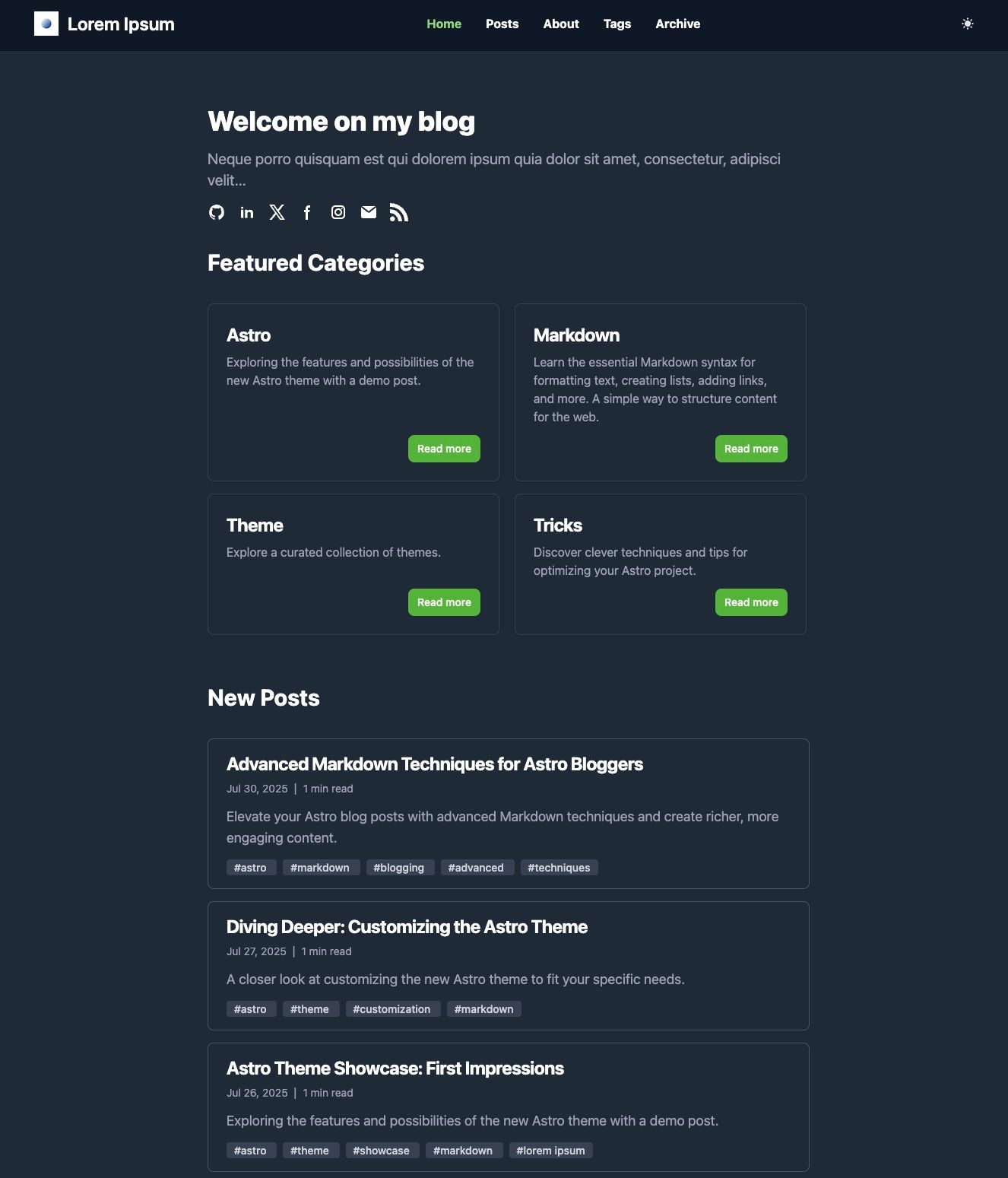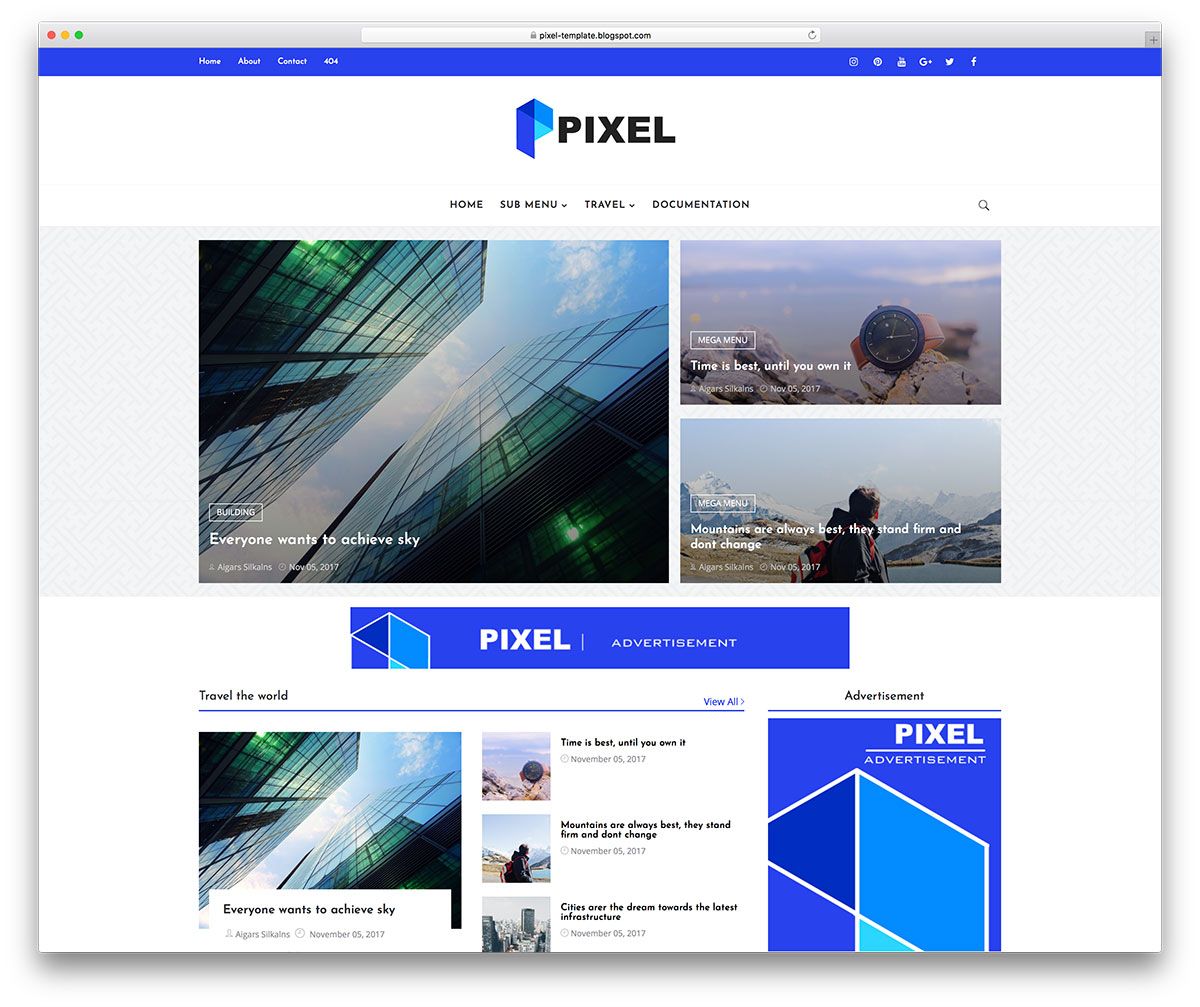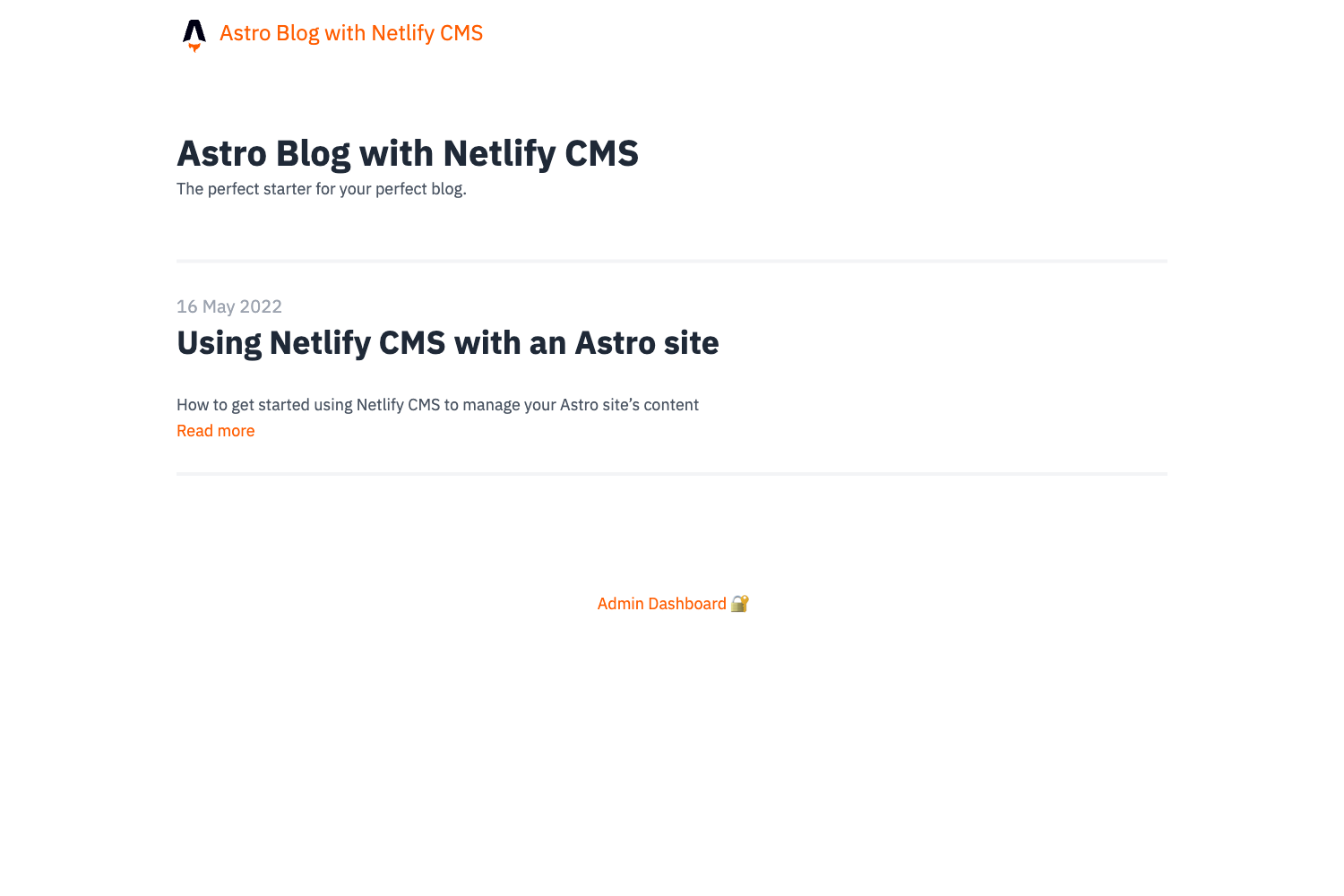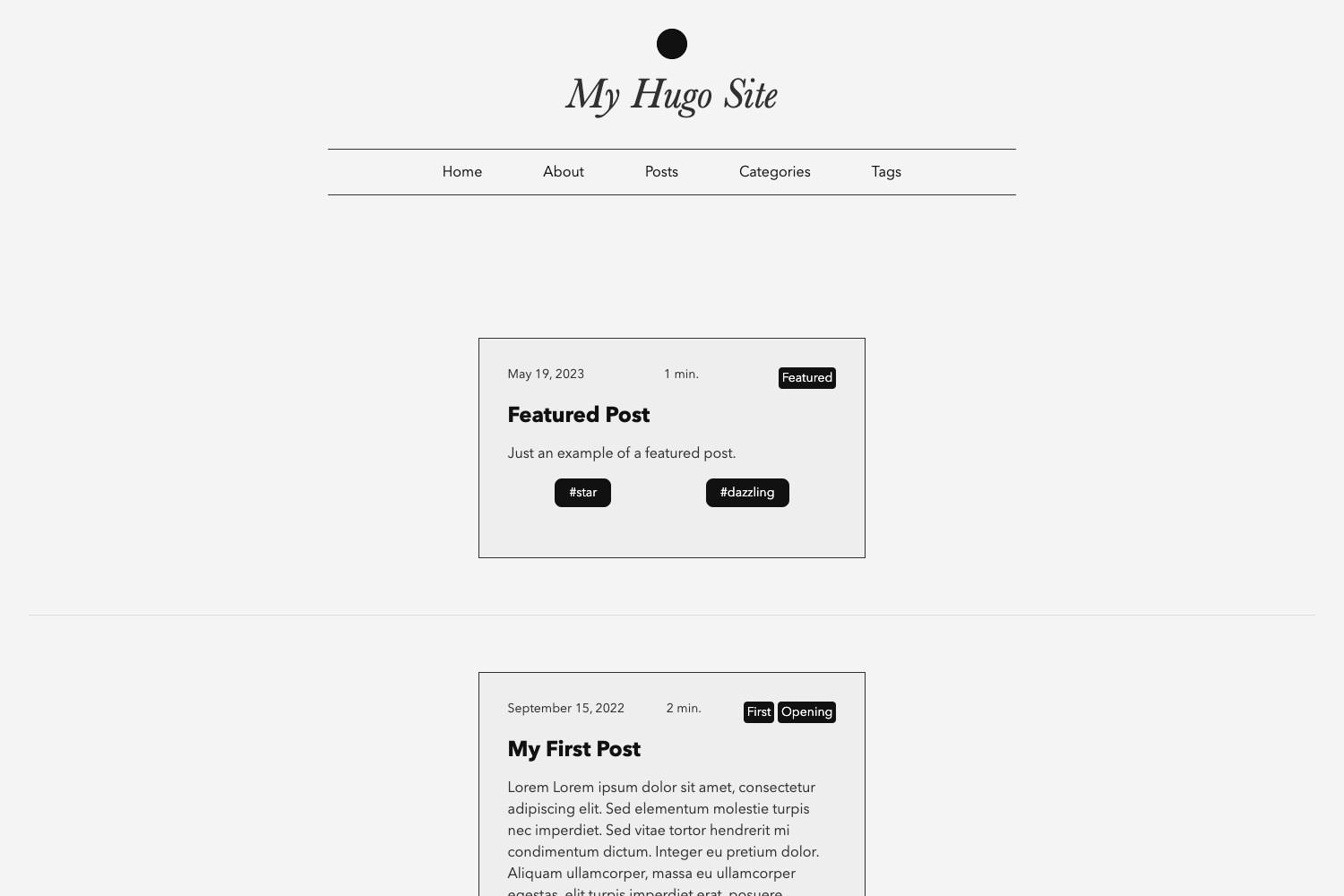
Template details
Blade Theme
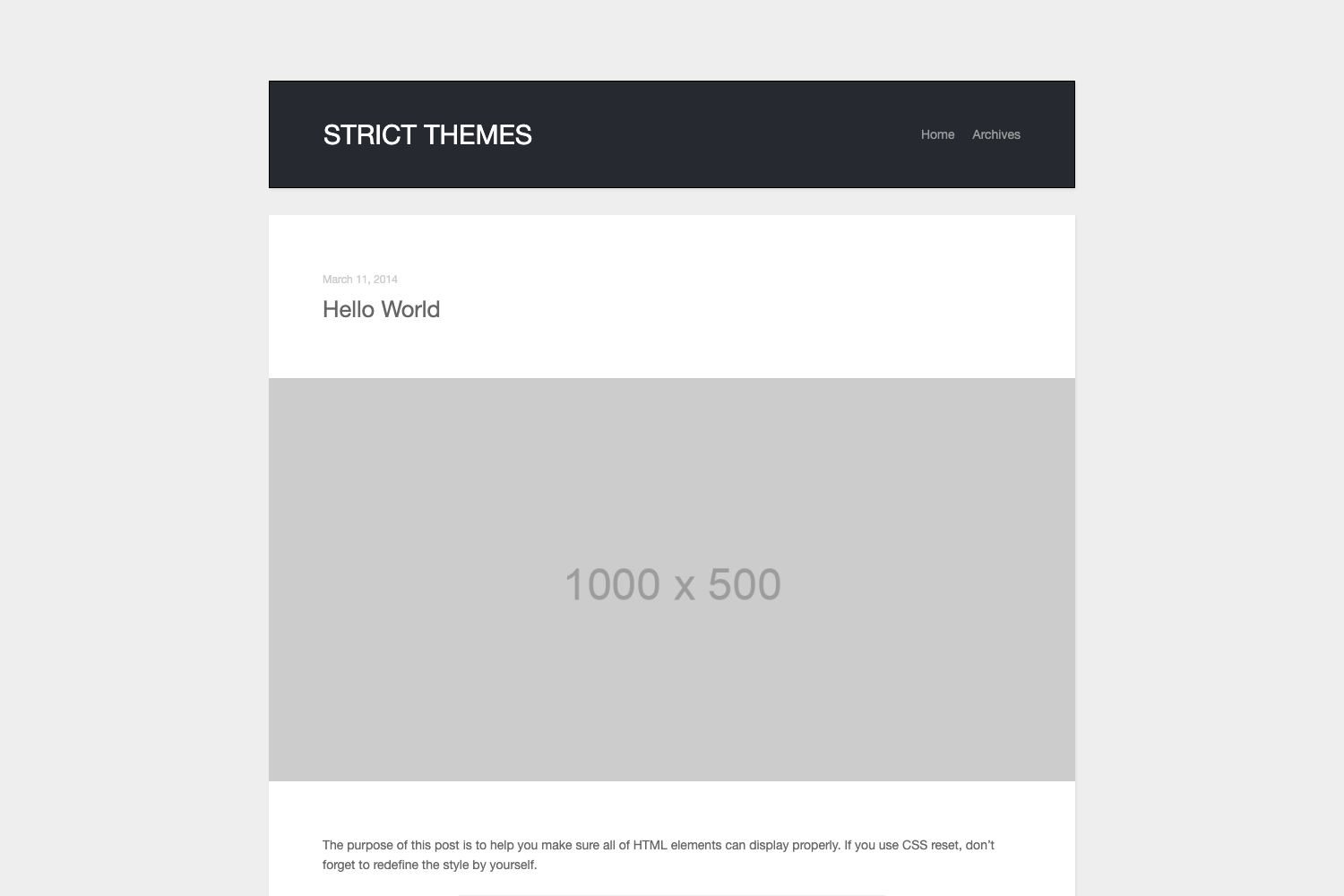
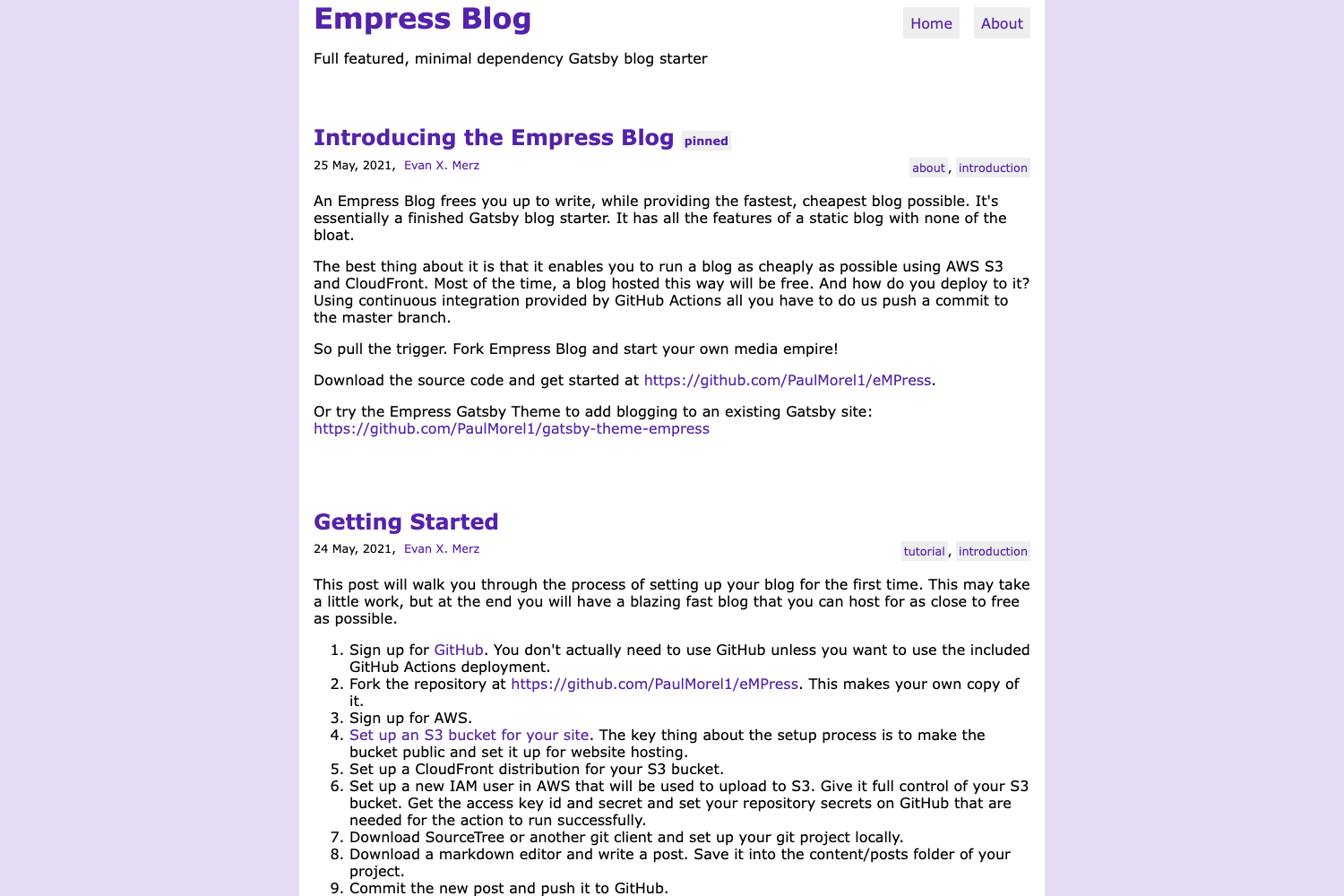
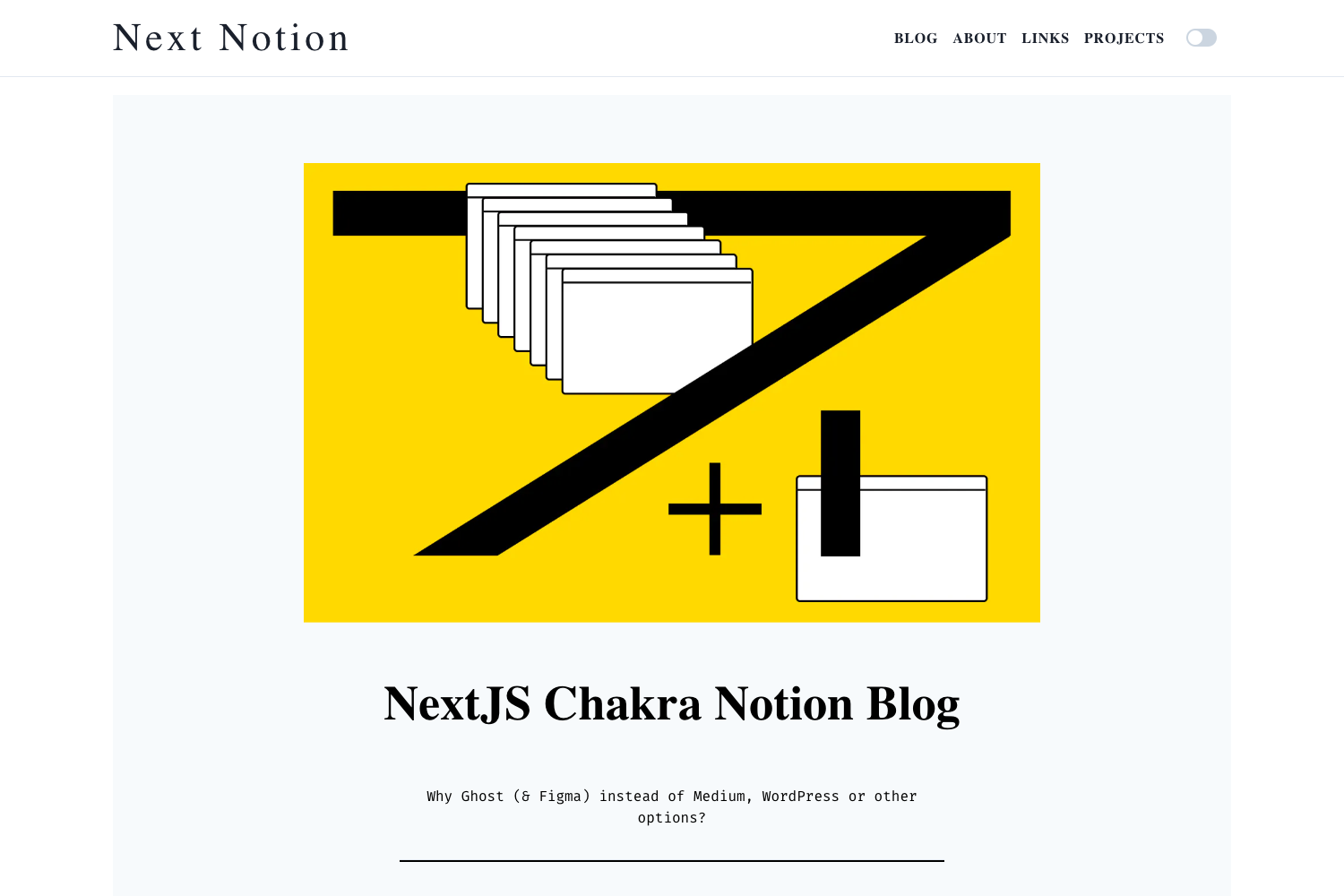
A simple Jekyll blog theme with responsive layout, SASS, syntax highlighting, pagination, search, Disqus comments, and SEO tags.
About this template
Blade Theme is a simple Jekyll blog theme that delivers a complete static blog with responsive layout, search, pagination, Disqus comments, and SEO tags, installable via RubyGems or GitHub.
What is Blade Theme?
Blade Theme is a minimal blog theme built for Jekyll, the Ruby-based static site generator. It takes Markdown posts and a configuration file as input and produces a fully static HTML blog with built-in search, pagination, author pages, and social sharing. The theme requires Ruby and RubyGems to be installed on your machine to run the Jekyll server. It is authored by GitHub user mateussmedeiros, released under the MIT license, and distributed both as a GitHub repository and as the blade-theme gem on RubyGems.
Key Features
- Responsive layout — The theme adapts to different screen sizes, making the blog readable on phones, tablets, and desktops.
- SASS preprocessor — Styles are written with SASS, so colors, fonts, and layout variables can be customized in .scss files.
- Syntax highlighting — Code blocks in posts are highlighted, which is useful for technical blogs.
- Author configuration — Site author details are set once in the config file and displayed on posts.
- Pagination — Blog posts are automatically organized into pages so readers can navigate older entries.
- Search bar — A client-side search bar lets visitors find posts by keyword directly on the site.
- Disqus comments — Each post can include a comment thread powered by Disqus.
- Share posts — Social sharing buttons are included so readers can share posts to their networks.
- Sitemap and SEO tags — The theme generates a sitemap and includes meta tags for better search engine indexing.
Who is it for?
- Jekyll users who want a pre-built blog theme instead of writing their own layouts and styles from scratch.
- Personal bloggers who prefer static sites over database-driven platforms and want a fast, low-maintenance blog.
- Developers who need a minimal, customizable starting point and can edit SASS files and Jekyll configs to fit their needs.
- Technical writers who publish code-heavy posts will benefit from the built-in syntax highlighting and search.
What can you do with Blade Theme?
- Personal bloggers: Set up a static blog with posts, pagination, and a search bar in a few command-line steps.
- Developers: Clone the repository, modify the SASS stylesheets and _config.yml, and host the output on GitHub Pages or any static host.
- Technical writers: Publish tutorials with highlighted code blocks and let readers search for specific topics using the built-in search.
- Community sites: Enable Disqus comments so readers can discuss posts without building a custom comment system.
How does Blade Theme work?
The theme runs on Jekyll and follows the standard Jekyll workflow. To get started, clone or download the repository, run bundle install to install the required Ruby gems, then run jekyll serve to start a local server at localhost:4000 on your machine.
FAQ
Is Blade Theme free?
Yes, Blade Theme is open source and released under the MIT license, so it is free to use and modify for personal or commercial projects.
What are the requirements for Blade Theme?
The theme requires Ruby and RubyGems to be installed on your system, because it is a Jekyll-based theme and Jekyll itself is a Ruby gem.
How do I install Blade Theme?
You can clone the GitHub repository or download the ZIP archive. Then enter the theme folder, run bundle install, and start the Jekyll server with jekyll serve.
Does Blade Theme support comments?
Yes, Blade Theme integrates with Disqus for comments, so you can enable discussion threads on each post by configuring your Disqus username.
Pricing
Blade Theme is free and open source. It is distributed under the MIT license and is also published as a gem on RubyGems, where you can fetch it with the standard gem installation workflow.