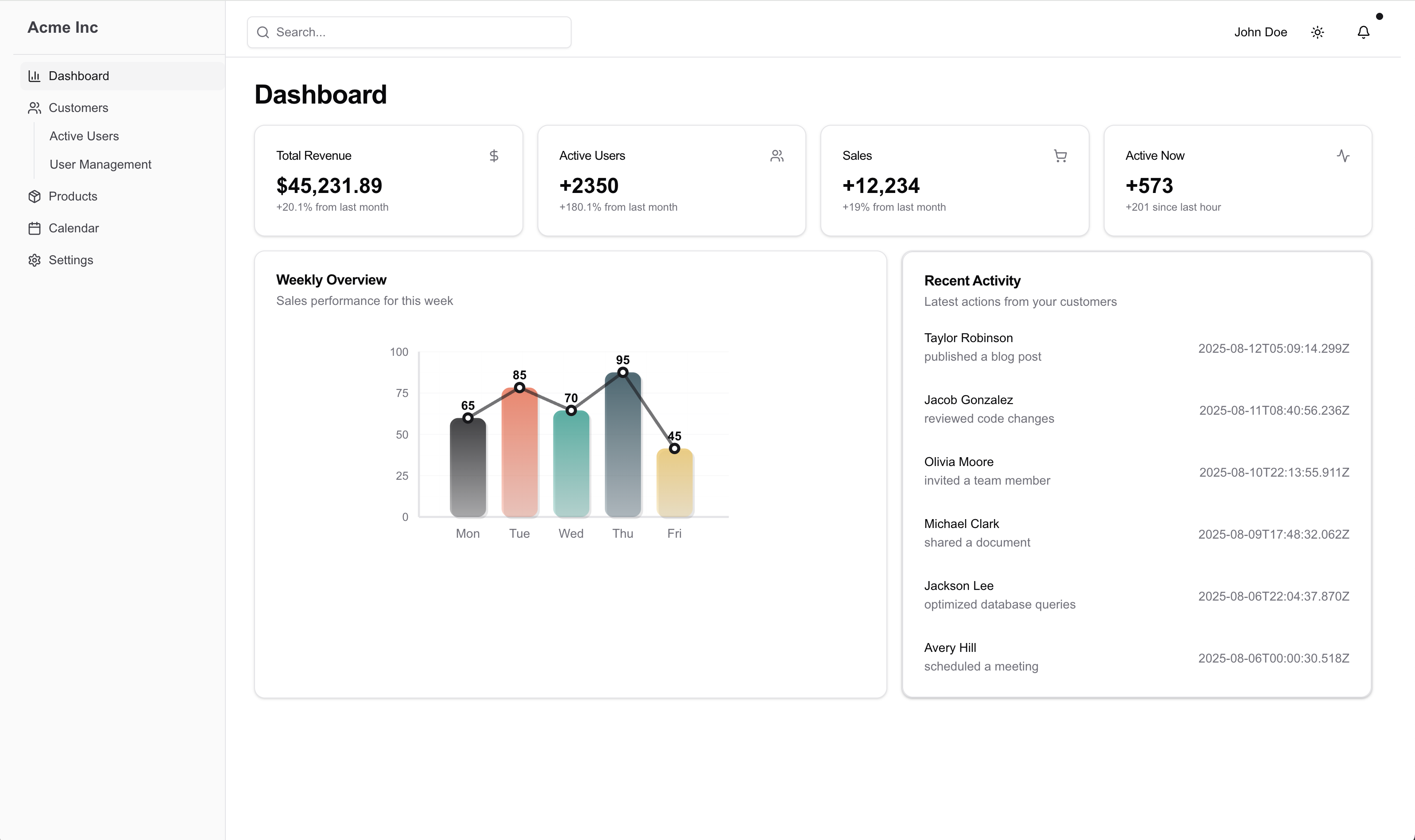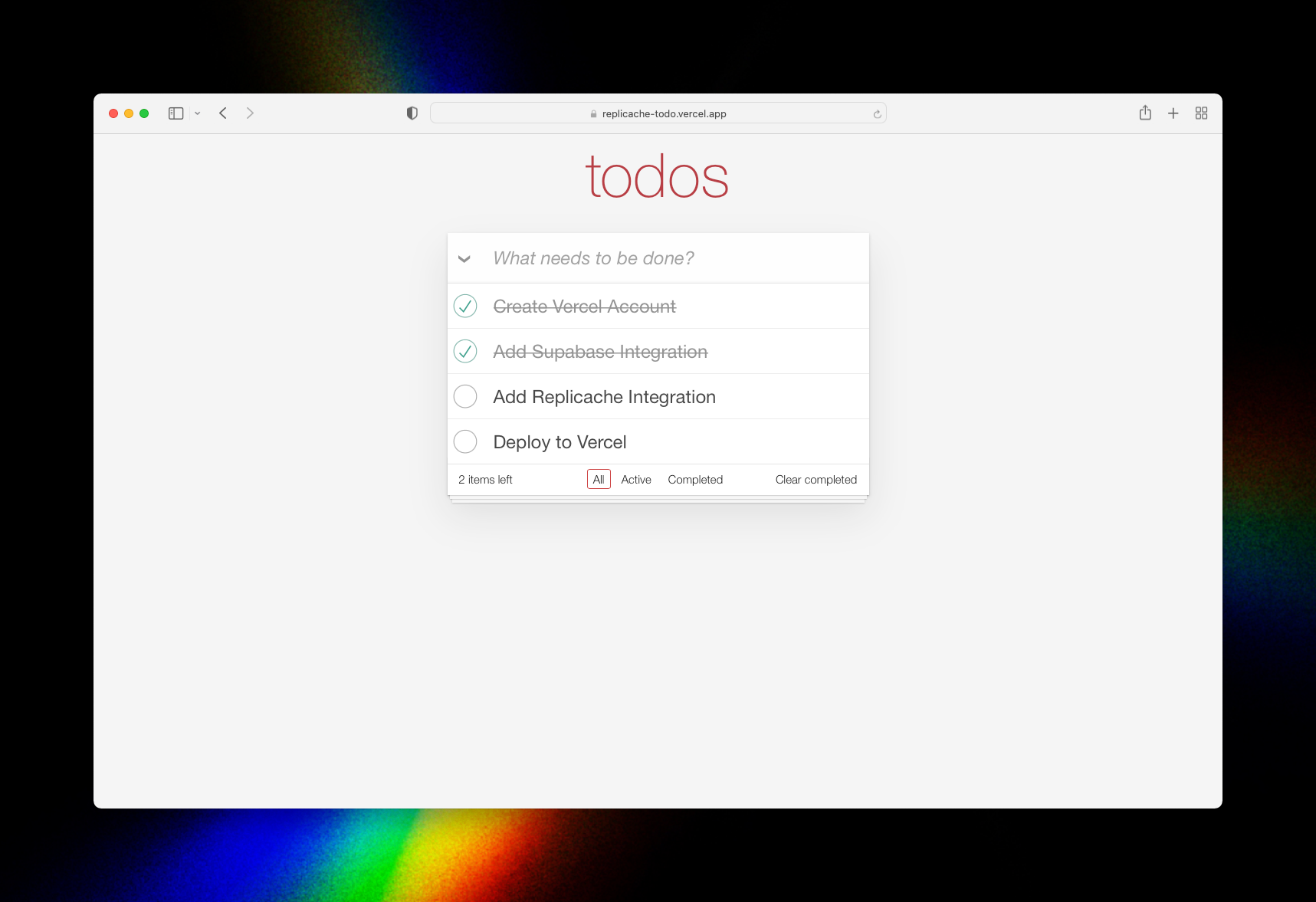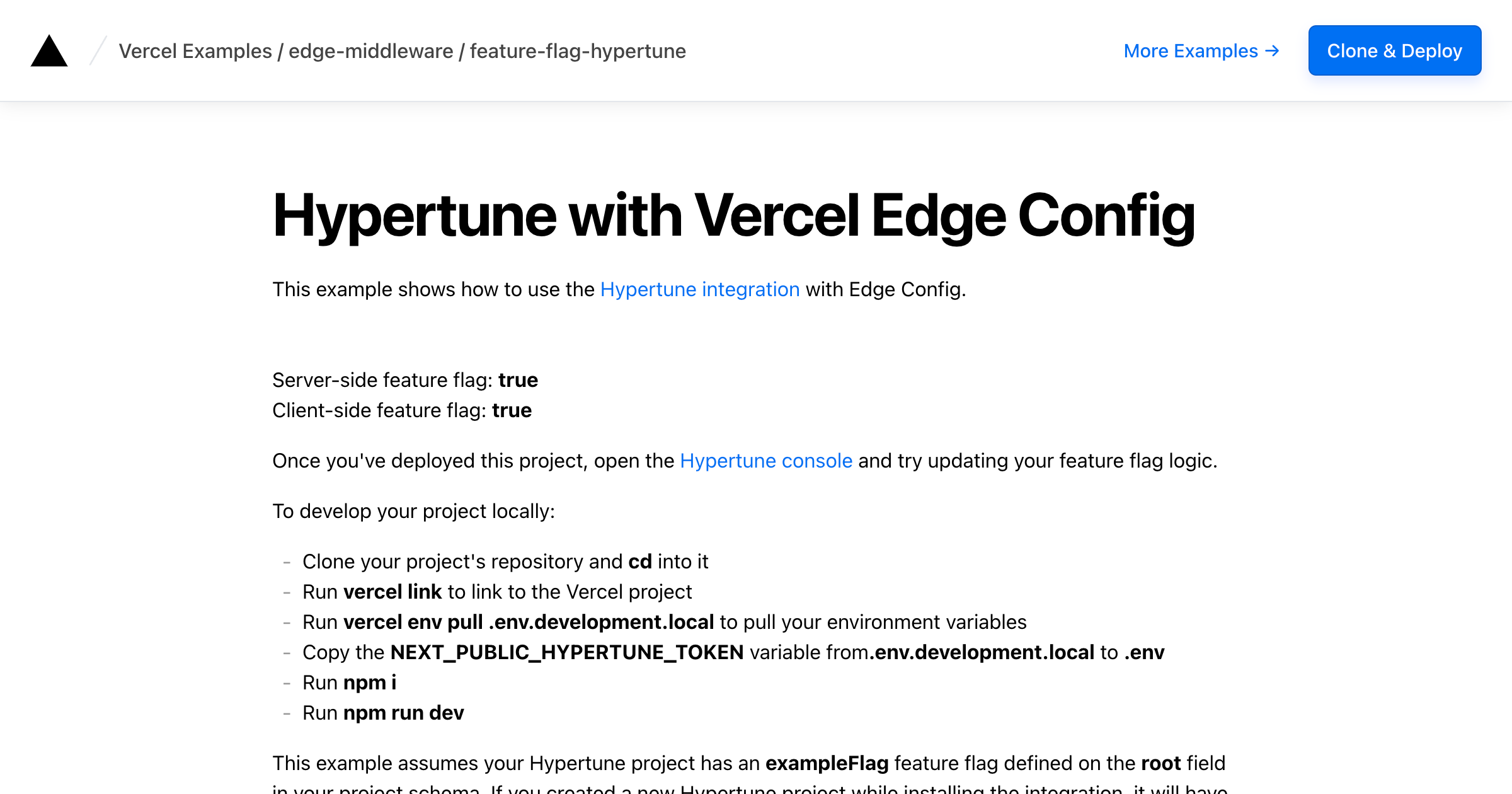
Template details
Makeswift Next.js Starter
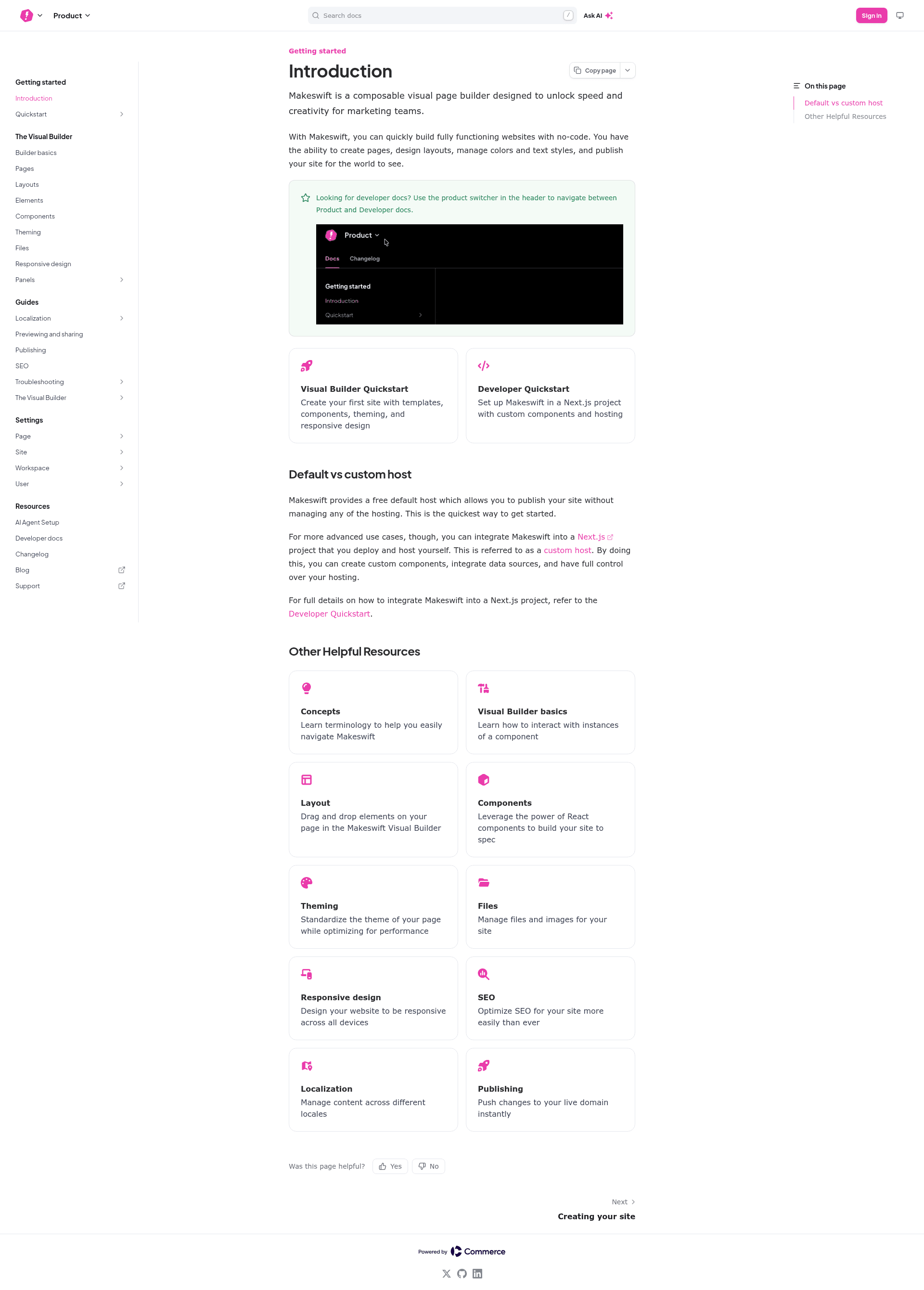
A TypeScript Next.js starter app wired to the Makeswift visual builder so you can edit Next.js pages in a drag-and-drop editor.
About this template
Makeswift Next.js Starter is a TypeScript Next.js application preconfigured with the Makeswift visual page builder, so you can clone it and edit Next.js pages in a visual editor instead of hand-coding every layout change. It ships as the basic-typescript example inside the makeswift/makeswift GitHub repository and points to a live demo hosted on Vercel.
What is the Makeswift Next.js Starter?
The Makeswift Next.js Starter is an open-source Next.js app that is already connected to the Makeswift builder through the Makeswift site API key. You edit page structure and content inside Makeswift, and the Next.js front end renders those pages; content changes no longer require editing React files by hand. It runs on Next.js with TypeScript, is maintained by Makeswift, and is published in the examples/basic-typescript folder of the makeswift repository, which shows around 248 GitHub stars.
Key features
- Next.js front end — the starter is a plain Next.js app, so routing, server rendering and deployment follow standard Next.js conventions.
- TypeScript codebase — the example is the
basic-typescriptvariant, meaning components and configuration are written in TypeScript rather than JavaScript. - Makeswift visual editor integration — the app authenticates with Makeswift using a site API key stored as
MAKESWIFT_SITE_API_KEYin.env.local, letting the builder read and write the pages your Next.js app serves. - One-command scaffolding —
npx makeswift@latest init --example=basic-typescriptclones the repository and configures the project in a single step through the Makeswift CLI. - Manual setup path — you can instead clone the repo, run
yarn install, add the API key to.env.local, and start the dev server withyarn dev. - Local preview wiring — Makeswift site settings accept a host URL, so you point it at
http://localhost:3000to preview your Next.js app inside the builder while developing. - Vercel deployment — a Deploy with Vercel button clones the repository, names the project
makeswift-nextjs-starter, and connects the Makeswift integration so a hosted preview works immediately. - Documentation links — the README points to the Next.js docs, the Makeswift technical documentation, and the Makeswift Help Center for builder guides.
Who should use the Makeswift Next.js Starter?
- Next.js developers adopting a visual builder: start from a working app that already resolves the Makeswift API key and host URL configuration, instead of wiring the integration from scratch.
- Marketing and content teams working with a developer: edit copy, sections and layout in Makeswift while developers keep the underlying Next.js components and TypeScript types.
- Agencies prototyping client sites: clone the starter, deploy it to Vercel, and hand the preview to a client for content entry.
- Teams evaluating Makeswift: use the hosted demo and the local dev server to judge the editing workflow before committing.
How do you set it up?
Run the CLI command npx makeswift@latest init --example=basic-typescript, or clone the repo manually and run yarn install. Then copy your site API key from Makeswift site settings into the .env.local file as MAKESWIFT_SITE_API_KEY, start the Next.js dev server with yarn dev, and set your Makeswift site's host URL to your local address such as http://localhost:3000.
FAQ
Is the Makeswift Next.js Starter free?
The starter itself is an open-source example published in the public makeswift/makeswift GitHub repository, so the code can be cloned and modified at no cost. Using the visual builder requires a Makeswift account and a site API key from that account's site settings.
Does it work with TypeScript?
Yes. This starter is the basic-typescript example, so the Next.js project is written in TypeScript. If you prefer plain JavaScript, Makeswift publishes other examples in the same repository that you can scaffold with the CLI instead.
How do I connect the starter to Makeswift?
Add your Makeswift site API key to .env.local under the name MAKESWIFT_SITE_API_KEY, start the dev server, then set the host URL in your Makeswift site settings to your local development address, for example http://localhost:3000.
Can I deploy it to Vercel?
The README includes a Deploy with Vercel button that clones the repository as makeswift-nextjs-starter, redirects to app.makeswift.com, and installs the Makeswift integration. The reference demo site is itself hosted on Vercel at makeswift-examples-basic-typescript.vercel.app.
Is it a full website template?
No. It is a minimal starter that demonstrates the Next.js and Makeswift integration rather than a finished site. Pages such as blogs, pricing or ecommerce flows are not included, so you add your own routes and components on top of the base app.